Resource Center

Explore and learn more about Instant Enablement.

Webinars

Watch our latest expert conversations.

Blog

The latest insights into Instant Enablement.

Article

Best Platforms for Real-Time Product Launch Training and Reinforcement (December 2025)

Product launches fall apart when training moves slower than the release itself. Sending a deck or PDF and hoping teams absorb it is no longer enough when sales, support, and marketing all need shared clarity in a matter of days, not months. Reps must speak confidently about positioning, support must anticipate real customer questions, and messaging has to stay aligned from day one, all while teams stay focused on their core work. That’s why more organizations rely on product launch training software that turn existing launch materials into short, timely training delivered where teams already work, so knowledge sticks long after the file is closed.

TLDR:

  • Product launch training must reach teams in hours, not weeks; 95% of launches fail due to slow readiness.

  • SMS, Teams, and Slack delivery drives 95%+ completion vs. 30% for traditional LMS portals.

  • AI content creation converts launch materials into training sequences the same day.

  • Spaced reinforcement improves retention 60% more than one-time training sessions.

  • Some modern tools automate end-to-end launch training through AI agents that create, deliver, and track readiness.

What Is Product Launch Training?

Product launch training prepares customer-facing teams to introduce new products. Sales reps need to explain features and benefits, support teams must handle questions, and marketing needs aligned messaging. Without structured training, launches struggle.

This training covers positioning, key differentiators, competitive comparisons, and common objections. The goal is launch readiness: getting teams from limited knowledge to confident selling or support before release.

Speed matters. Most companies have only weeks between finalizing a product and going live, and traditional training can’t keep up. Effective launch training builds knowledge retention through reinforcement, since a single kickoff session rarely sticks.

How We Assessed Product Launch Training Software

We reviewed each solution based on publicly available product information, customer case studies, and company documentation. Our goal was to identify which tools best tackle the speed and engagement challenges that cause 95% of product launches to fail.

Delivery method came first. We focused solutions that reach teams through SMS, Teams, or Slack instead of requiring separate app logins. This matters for distributed sales teams who rarely check traditional learning portals.

Speed of deployment was critical. Product launch windows are tight. We looked for solutions that can create and distribute training quickly without heavy instructional design resources.

AI-powered content creation separated leaders from followers. Manual course building can't keep pace with launch timelines. We assessed whether each tool could convert product specs and sales decks into training automatically.

We assessed engagement and reinforcement capabilities. One-time training sessions produce low retention. We looked for spaced repetition, knowledge checks, and touchpoints that build real product fluency over time.

Arist

Arist Homepage.png

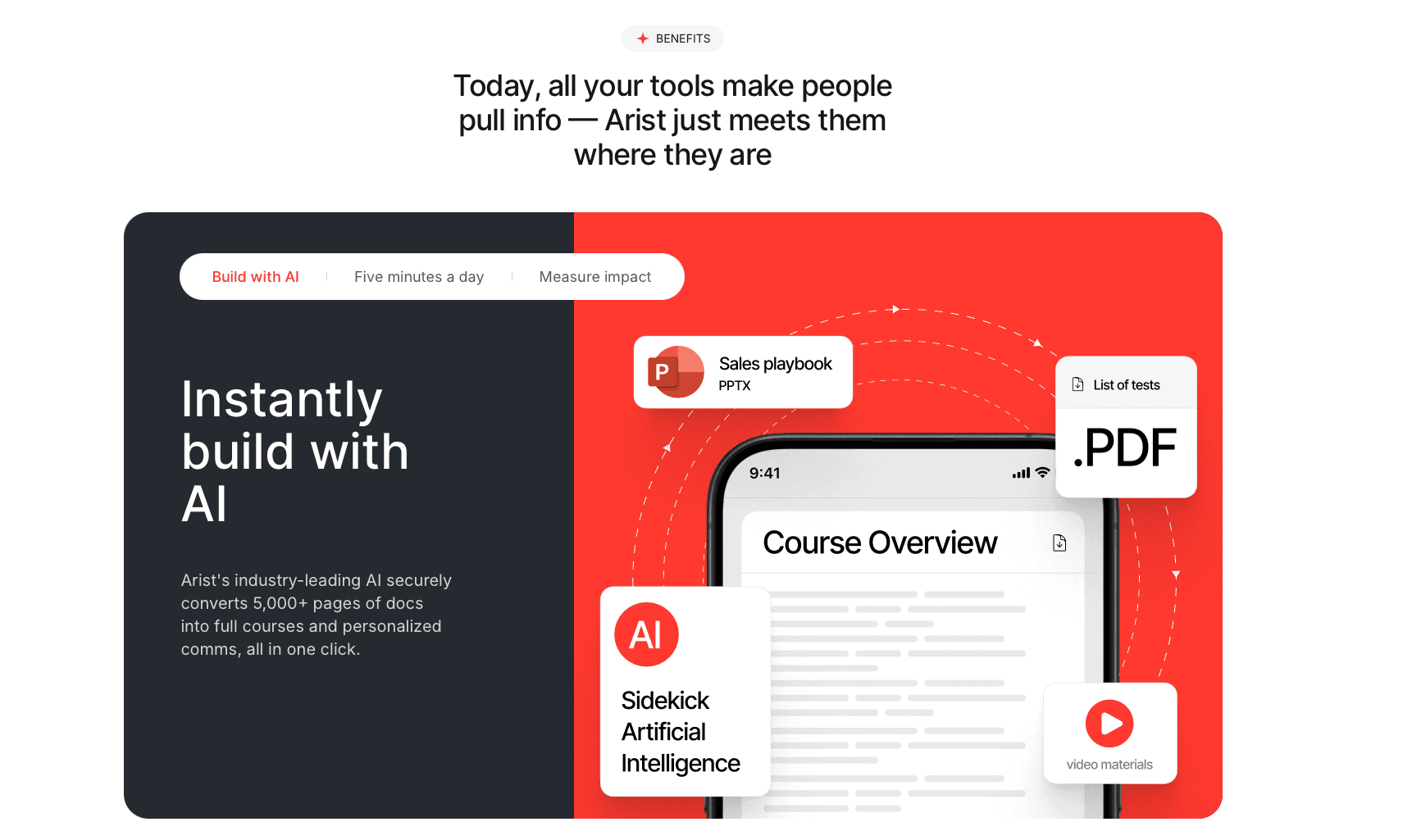
We built Arist to solve the most common product launch training failure: teams that can't absorb information fast enough to meet launch deadlines. Our AI agents create, deliver, and reinforce training through the messaging tools your teams already use every day.

Speed from Materials to Launch Readiness

Our Creator Agent converts product specs, sales decks, and positioning docs into training sequences in hours. You upload launch materials, and the system generates micro-lessons, competitive comparisons, and knowledge checks automatically.

The Referencing Agent fact-checks content against source materials. This matters when product details change days before launch, a scenario that paralyzes traditional training workflows.

Training That Reaches Every Launch Stakeholder

Sales teams get training via SMS or Teams, often during their commute. Support teams receive updates in Slack between customer tickets. Marketing teams access messaging frameworks without leaving their workflow.

Our Routing Agent schedules reinforcement based on role and performance data. A rep who struggles with pricing gets additional prompts. Someone who masters technical specs moves to objection handling.

Measurable Launch Readiness

The Analytics Agent tracks completion and comprehension across your entire go-to-market org. You see which geographies are ready, which product features need more reinforcement, and which team members require support before launch day.

Clients report completion rates above 95%, compared to typical LMS engagement below 30%.

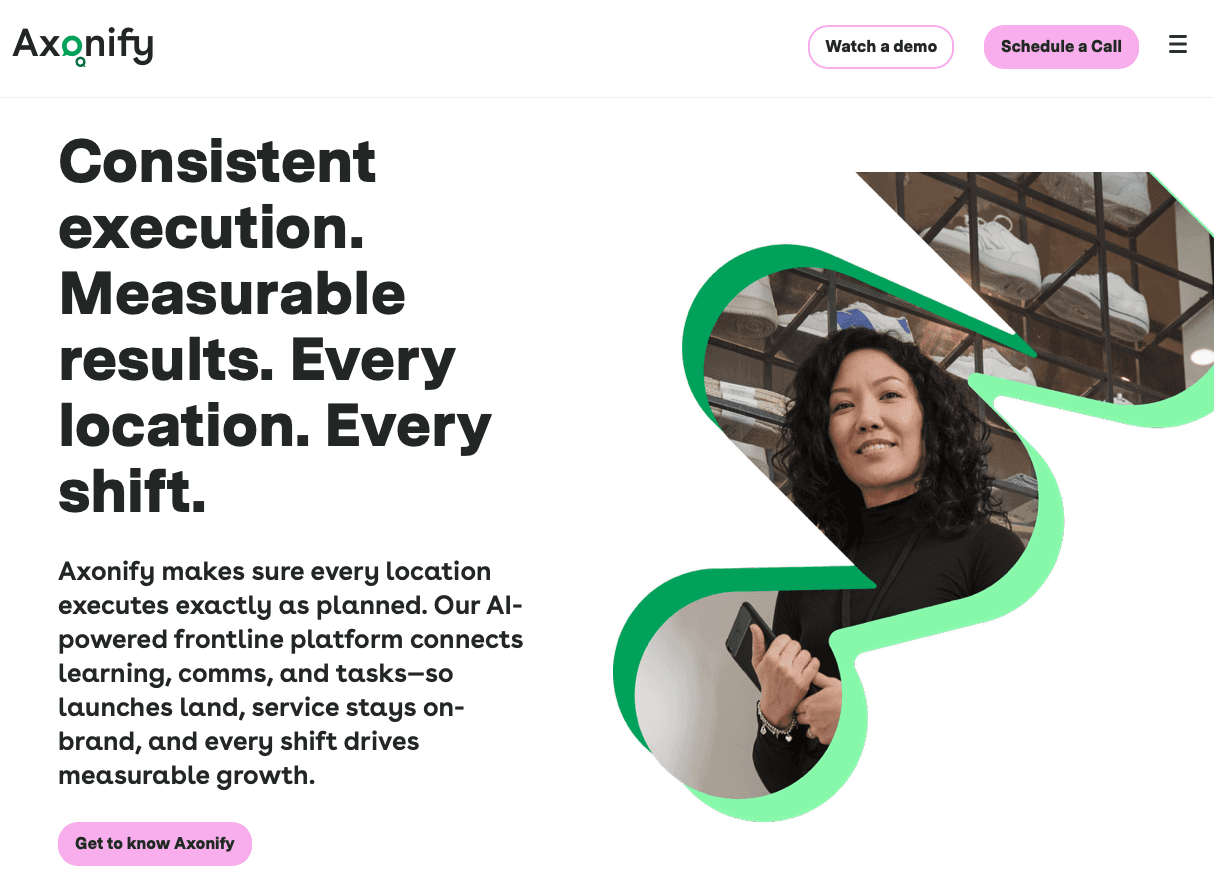
Axonify

Axonify.png

Axonify delivers microlearning through a mobile app with gamification elements like points and leaderboards. The tool uses spaced repetition to reinforce knowledge and integrates with HRIS systems for learner data sync.

What works: App-based daily training prompts keep product knowledge fresh. Gamification drives engagement for teams motivated by competition. Spaced repetition helps information stick beyond the initial launch window.

The limitation: Axonify requires app downloads and regular logins, creating friction for field sales teams who won't consistently open another tool during launch periods. Axonify can be accessed via its mobile experience and also offers a Microsoft Teams app, but teams may still need to adopt Axonify-specific workflows instead of receiving launch training as native, in-channel sequences in the tools they already use. For time-sensitive launches, this adoption barrier delays readiness.

The bottom line: Axonify works for desk-based teams comfortable with app-based learning. For distributed sales organizations executing fast product launches, the app-first approach introduces obstacles to launch readiness.

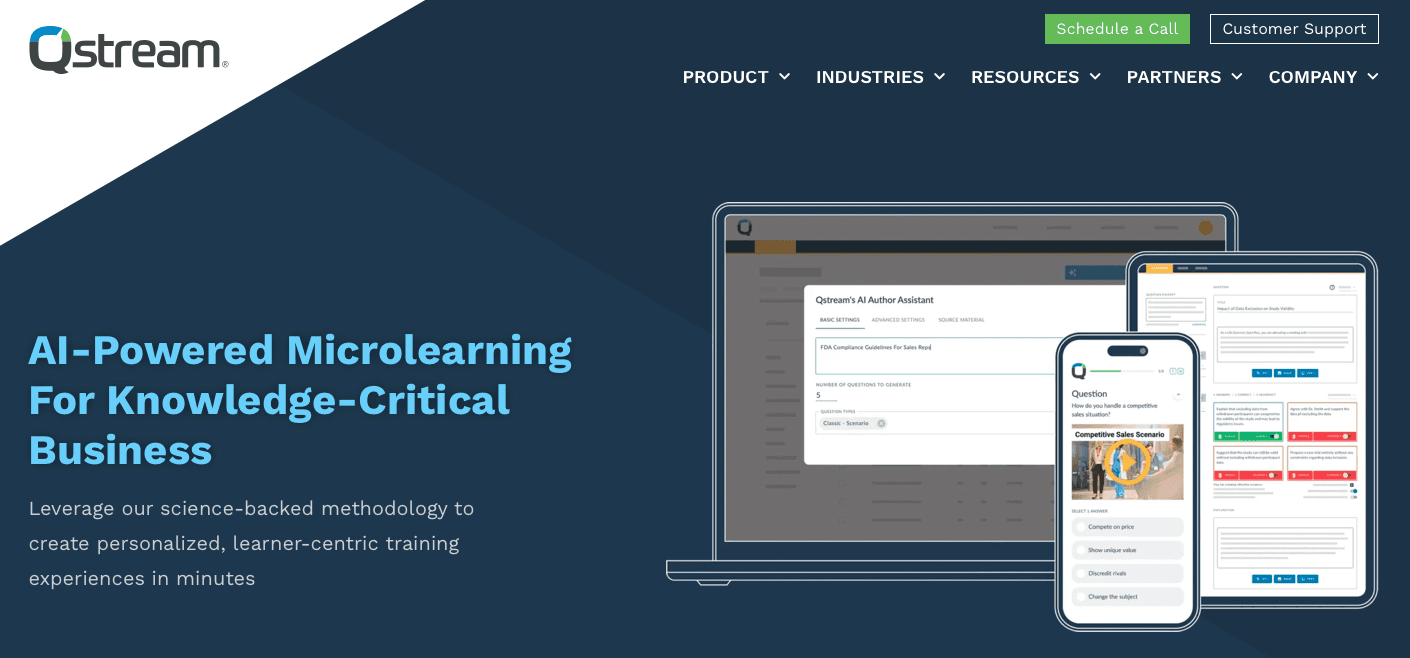
Qstream

Qstream.png

Qstream provides spaced repetition quizzing for knowledge reinforcement. The tool sends challenge-based learning through recurring quizzes, using spaced repetition methodology to improve retention. Leaderboards and competitive elements drive engagement, while performance analytics track individual and team progress.

What works: Organizations with existing product training materials can add a reinforcement layer through periodic quizzes. The spaced repetition approach helps knowledge stick after initial training.

The limitation: Qstream focuses exclusively on quiz-based reinforcement without creating training content. Teams must build all product launch materials elsewhere first. Qstream offers a Microsoft Teams integration for notifications and learner prompts, but it’s primarily reinforcement-focused and still depends on Qstream as the system of record for delivery and tracking.

The bottom line: Qstream handles reinforcement quizzing but not the end-to-end content creation and delivery needs of fast-moving product launches.

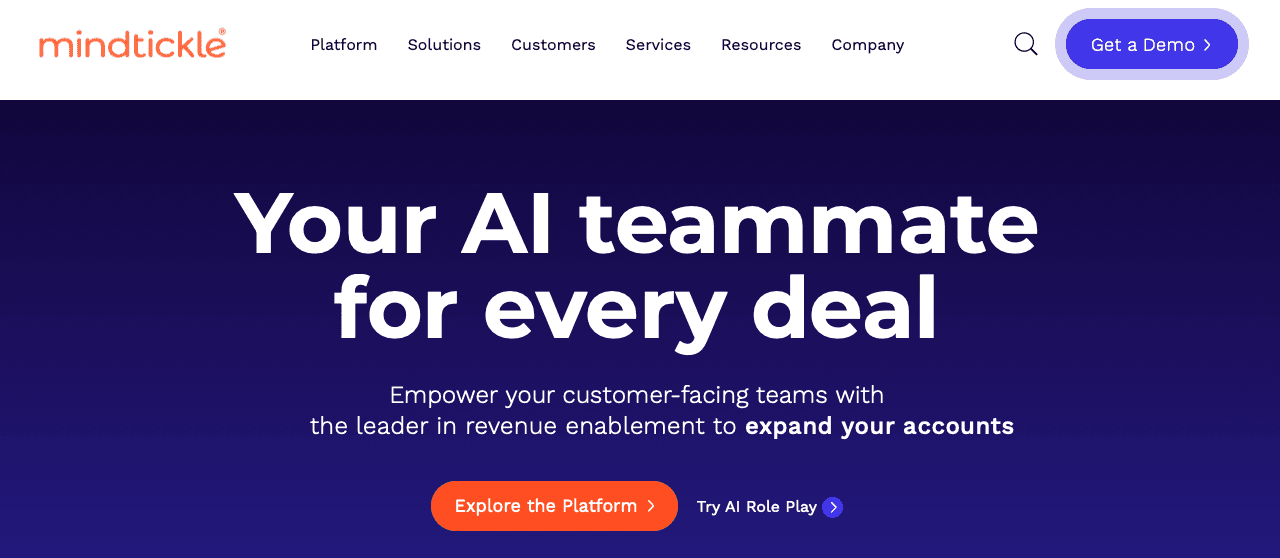
Mindtickle

Mindtickle.png

Mindtickle is a sales readiness solution focused on onboarding, coaching, and content management for revenue teams. The tool includes role-playing simulations, coaching workflows, sales collateral libraries, and readiness scorecards that help managers identify skill gaps before launches.

What works: Mindtickle offers strong sales-focused capabilities for organizations with longer preparation cycles. Its role-playing simulations and coaching workflows help managers assess seller readiness ahead of major launches, while readiness scorecards surface gaps in messaging, objection handling, and product knowledge.

The limitation: Mindtickle serves sales teams exclusively, leaving customer success, support, and marketing without product launch training. Implementation takes months, missing tight launch windows. Training lives in a separate portal instead of Teams, Slack, or SMS, creating friction for field reps who need immediate access during customer conversations.

The bottom line: Mindtickle's sales-only focus and lengthy deployment make it impractical for fast, cross-functional product launch readiness.

Seismic

Seismic.png

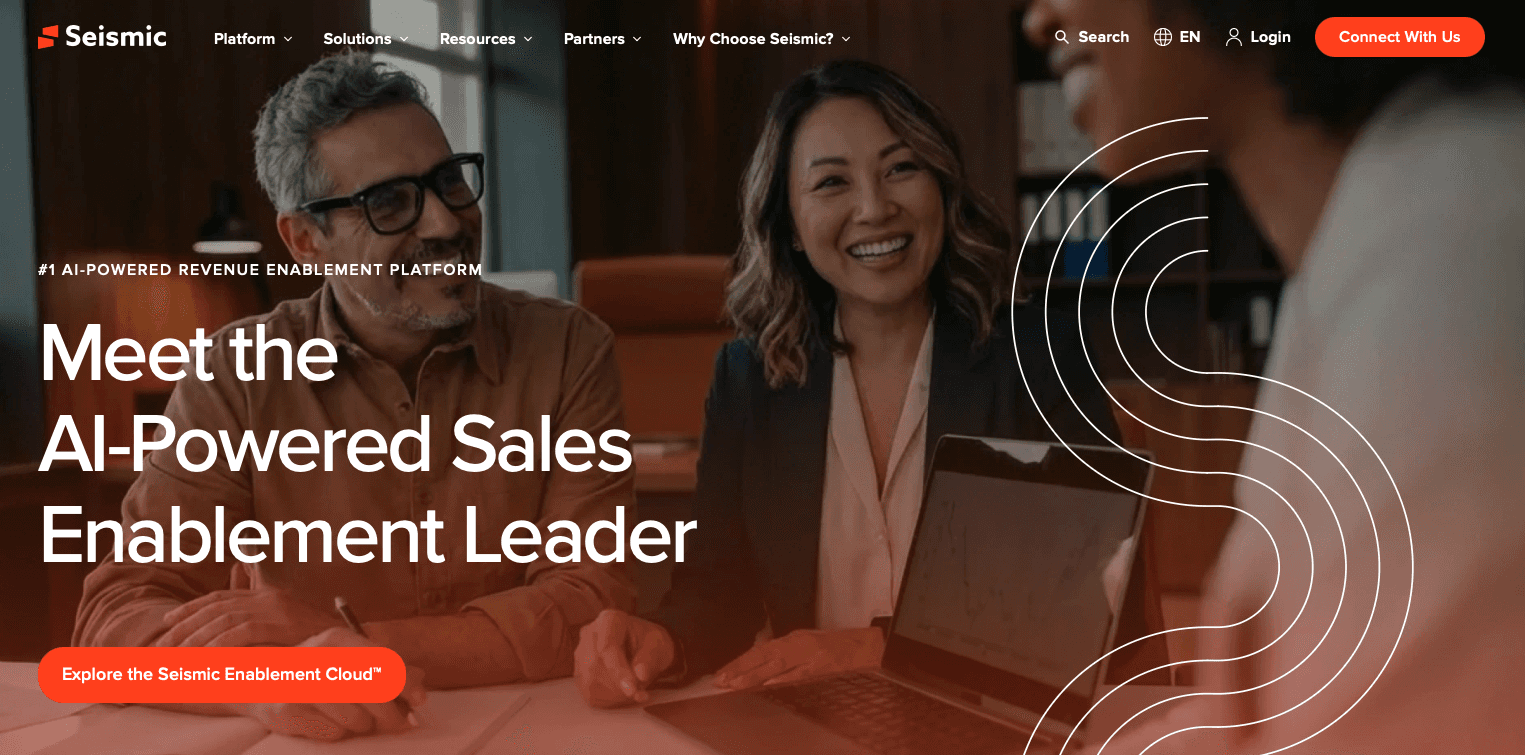
Seismic is a sales enablement tool for content management and buyer engagement. It offers a centralized repository for sales materials, content analytics on usage patterns, CRM integrations, and AI-powered content recommendations.

What works: Organizations use Seismic to organize and distribute product collateral. The analytics reveal which materials sellers use in deals, helping marketing teams understand what resonates.

The limitation: Seismic manages content distribution but doesn't train teams on product knowledge or verify comprehension through assessments. Seismic offers Slack integrations that help teams share and access enablement content in-channel, but it’s still primarily a content and enablement layer instead of a dedicated product launch training system with structured learning paths and comprehension verification.

During product launches, teams need structured learning paths with knowledge verification. Seismic provides a content library without the training infrastructure to verify sellers understand new product value propositions, competitive positioning, or technical details.

The bottom line: Seismic distributes content but doesn't train or assess product knowledge, leaving launch readiness verification as a separate challenge.

Degreed

Degreed.png

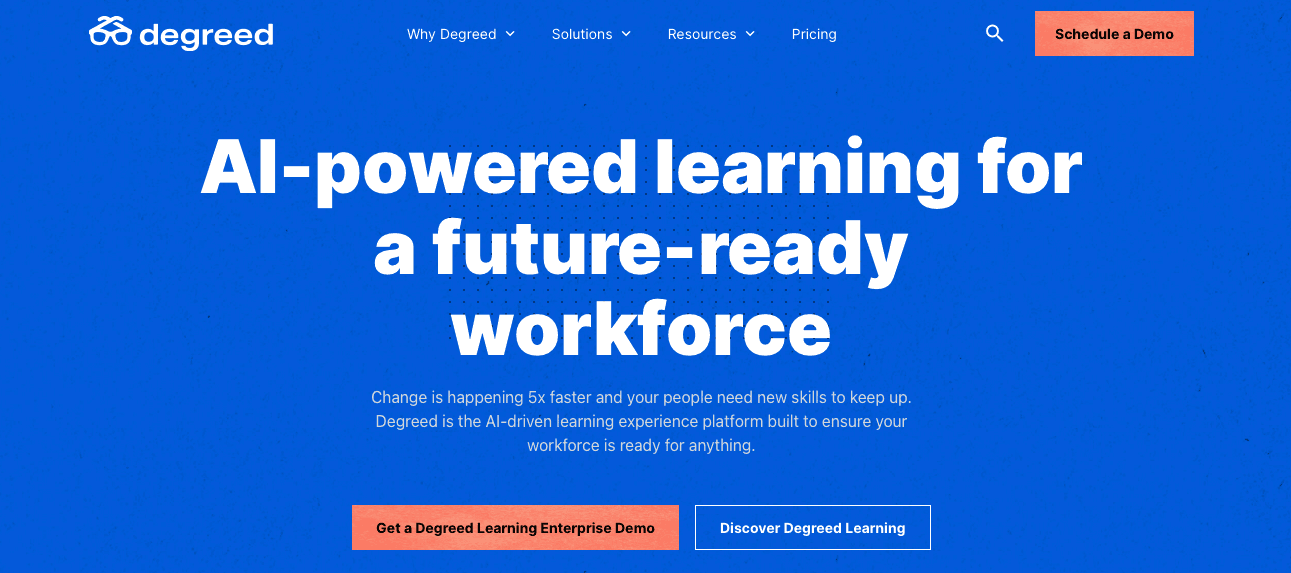
Degreed aggregates learning content from external sources into personalized pathways. It tracks skills development, recommends content based on role, and integrates with content providers to create a unified learning catalog for long-term employee development.

What works: Degreed supports long-term learning and skills tracking for organizations with mature L&D programs. Its ability to aggregate content from multiple sources into personalized learning pathways helps employees connect training to career development goals. For teams with regular desk time, the skills insights and content recommendations provide visibility into learning progress over time.

The limitation: Degreed does not create product launch training content, so teams must build all materials separately before adding them to the system. Access depends on logging into a web-based portal, which slows adoption during fast launch cycles when employees need immediate updates. The lack of automated reinforcement during launch windows means knowledge fades quickly, especially when training competes with active sales and support work.

The bottom line: Degreed works well for ongoing skills development, but its portal-based access, manual content setup, and limited reinforcement make it a weak fit for rapid, high-stakes product launch training.

LinkedIn Learning

LinkedIn Learning.png

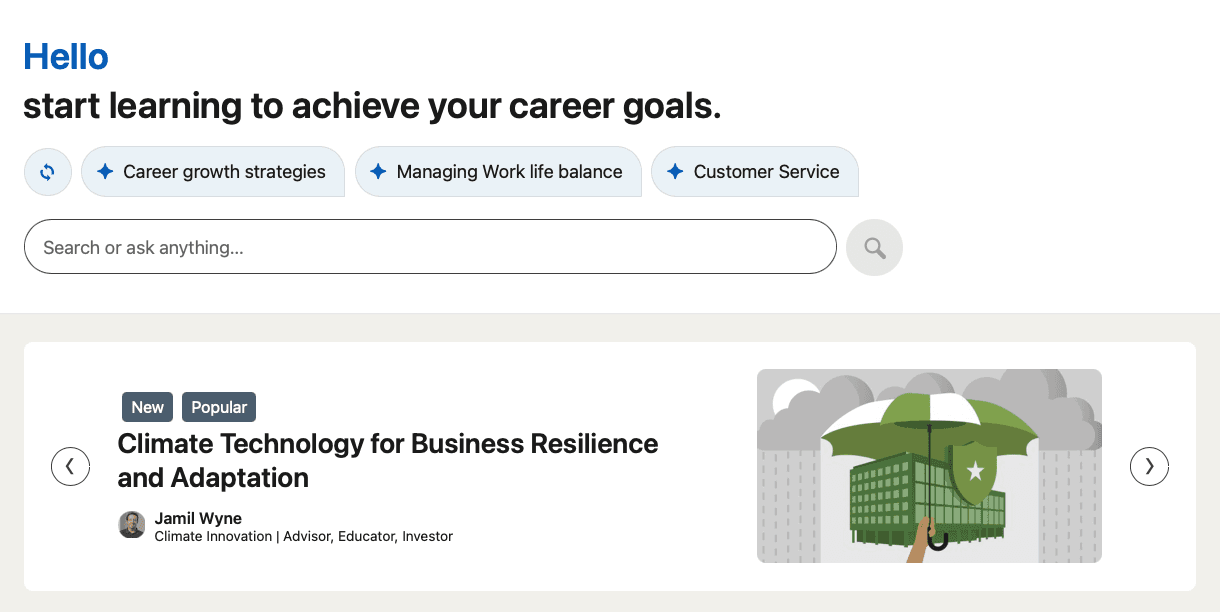
LinkedIn Learning is a video course library covering general business and professional skills.

What works: LinkedIn Learning offers a large library of professionally produced video courses covering general business, leadership, and soft skills. The content quality is high and consistent, with built-in assessments and completion certificates that help organizations track participation. For teams with dedicated desk time, the mobile app and LinkedIn profile integration make it easy to consume learning and showcase completed courses.

The limitation: LinkedIn Learning provides generic business courses without customization for product-specific training. The video-based format requires 30-60 continuous minutes per course, which doesn't fit field team schedules during launch periods.

There's no SMS or workplace messaging delivery, no AI to convert launch materials into training content, and no way to create product knowledge, competitive positioning, or objection handling content for launch readiness.

The bottom line: LinkedIn Learning offers general video courses, not the customized, rapid-deployment product training that launches require.

Why Arist Is the Strongest Choice for Product Launch Training

Arist 2.png

Product launches fail when training can't keep pace with launch timelines. Arist delivers through SMS, Teams, and Slack because text-based training reaches 98% of employees regardless of location or device access.

AI agents cut the weeks typically spent building courses manually. Upload launch materials and deploy training in as little as the same day, with automated reinforcement that drives 60% better retention than one-time sessions.

Launch readiness requires verified comprehension across every customer-facing role before release. That's what separates successful launches from the 95% that fail.

FAQs

Which product launch training software works best for fast deployment timelines?

Tools with AI content creation and messaging-based delivery deploy fastest, typically within hours or days. Solutions requiring custom course building, app installations, or lengthy implementations take weeks to months and often miss tight launch windows.

Can I use a general learning tool like LinkedIn Learning for product launches?

General learning platforms lack product-specific customization, competitive positioning content, and the rapid deployment needed for launches. They work for evergreen skills training but can't create or deliver the tailored product knowledge, objection handling, and technical details that launch readiness requires.

What's the difference between content management tools and training platforms for launches?

Content management tools like Seismic organize and distribute sales materials but don't train teams or verify comprehension through assessments. Training platforms create structured learning paths with knowledge checks that confirm teams understand product positioning, features, and competitive differentiators before launch day.

Final thoughts on product launch training solutions

Winning launches depend on how quickly teams absorb and apply new product knowledge. Product launch training software has to show up where work already happens, through SMS, Teams, or Slack, not inside yet another tool competing for attention. Arist turns launch decks, specs, and positioning docs into short, timely lessons in hours, then reinforces what matters until sales, support, and marketing are fully ready. When every customer-facing team enters launch day aligned and confident, your release stops being a scramble and starts joining the small percentage that actually deliver results.

Article

Best Platforms for Real-Time Product Launch Training and Reinforcement (December 2025)

Product launches fall apart when training moves slower than the release itself. Sending a deck or PDF and hoping teams absorb it is no longer enough when sales, support, and marketing all need shared clarity in a matter of days, not months. Reps must speak confidently about positioning, support must anticipate real customer questions, and messaging has to stay aligned from day one, all while teams stay focused on their core work. That’s why more organizations rely on product launch training software that turn existing launch materials into short, timely training delivered where teams already work, so knowledge sticks long after the file is closed.

TLDR:

  • Product launch training must reach teams in hours, not weeks; 95% of launches fail due to slow readiness.

  • SMS, Teams, and Slack delivery drives 95%+ completion vs. 30% for traditional LMS portals.

  • AI content creation converts launch materials into training sequences the same day.

  • Spaced reinforcement improves retention 60% more than one-time training sessions.

  • Some modern tools automate end-to-end launch training through AI agents that create, deliver, and track readiness.

What Is Product Launch Training?

Product launch training prepares customer-facing teams to introduce new products. Sales reps need to explain features and benefits, support teams must handle questions, and marketing needs aligned messaging. Without structured training, launches struggle.

This training covers positioning, key differentiators, competitive comparisons, and common objections. The goal is launch readiness: getting teams from limited knowledge to confident selling or support before release.

Speed matters. Most companies have only weeks between finalizing a product and going live, and traditional training can’t keep up. Effective launch training builds knowledge retention through reinforcement, since a single kickoff session rarely sticks.

How We Assessed Product Launch Training Software

We reviewed each solution based on publicly available product information, customer case studies, and company documentation. Our goal was to identify which tools best tackle the speed and engagement challenges that cause 95% of product launches to fail.

Delivery method came first. We focused solutions that reach teams through SMS, Teams, or Slack instead of requiring separate app logins. This matters for distributed sales teams who rarely check traditional learning portals.

Speed of deployment was critical. Product launch windows are tight. We looked for solutions that can create and distribute training quickly without heavy instructional design resources.

AI-powered content creation separated leaders from followers. Manual course building can't keep pace with launch timelines. We assessed whether each tool could convert product specs and sales decks into training automatically.

We assessed engagement and reinforcement capabilities. One-time training sessions produce low retention. We looked for spaced repetition, knowledge checks, and touchpoints that build real product fluency over time.

Arist

Arist Homepage.png

We built Arist to solve the most common product launch training failure: teams that can't absorb information fast enough to meet launch deadlines. Our AI agents create, deliver, and reinforce training through the messaging tools your teams already use every day.

Speed from Materials to Launch Readiness

Our Creator Agent converts product specs, sales decks, and positioning docs into training sequences in hours. You upload launch materials, and the system generates micro-lessons, competitive comparisons, and knowledge checks automatically.

The Referencing Agent fact-checks content against source materials. This matters when product details change days before launch, a scenario that paralyzes traditional training workflows.

Training That Reaches Every Launch Stakeholder

Sales teams get training via SMS or Teams, often during their commute. Support teams receive updates in Slack between customer tickets. Marketing teams access messaging frameworks without leaving their workflow.

Our Routing Agent schedules reinforcement based on role and performance data. A rep who struggles with pricing gets additional prompts. Someone who masters technical specs moves to objection handling.

Measurable Launch Readiness

The Analytics Agent tracks completion and comprehension across your entire go-to-market org. You see which geographies are ready, which product features need more reinforcement, and which team members require support before launch day.

Clients report completion rates above 95%, compared to typical LMS engagement below 30%.

Axonify

Axonify.png

Axonify delivers microlearning through a mobile app with gamification elements like points and leaderboards. The tool uses spaced repetition to reinforce knowledge and integrates with HRIS systems for learner data sync.

What works: App-based daily training prompts keep product knowledge fresh. Gamification drives engagement for teams motivated by competition. Spaced repetition helps information stick beyond the initial launch window.

The limitation: Axonify requires app downloads and regular logins, creating friction for field sales teams who won't consistently open another tool during launch periods. Axonify can be accessed via its mobile experience and also offers a Microsoft Teams app, but teams may still need to adopt Axonify-specific workflows instead of receiving launch training as native, in-channel sequences in the tools they already use. For time-sensitive launches, this adoption barrier delays readiness.

The bottom line: Axonify works for desk-based teams comfortable with app-based learning. For distributed sales organizations executing fast product launches, the app-first approach introduces obstacles to launch readiness.

Qstream

Qstream.png

Qstream provides spaced repetition quizzing for knowledge reinforcement. The tool sends challenge-based learning through recurring quizzes, using spaced repetition methodology to improve retention. Leaderboards and competitive elements drive engagement, while performance analytics track individual and team progress.

What works: Organizations with existing product training materials can add a reinforcement layer through periodic quizzes. The spaced repetition approach helps knowledge stick after initial training.

The limitation: Qstream focuses exclusively on quiz-based reinforcement without creating training content. Teams must build all product launch materials elsewhere first. Qstream offers a Microsoft Teams integration for notifications and learner prompts, but it’s primarily reinforcement-focused and still depends on Qstream as the system of record for delivery and tracking.

The bottom line: Qstream handles reinforcement quizzing but not the end-to-end content creation and delivery needs of fast-moving product launches.

Mindtickle

Mindtickle.png

Mindtickle is a sales readiness solution focused on onboarding, coaching, and content management for revenue teams. The tool includes role-playing simulations, coaching workflows, sales collateral libraries, and readiness scorecards that help managers identify skill gaps before launches.

What works: Mindtickle offers strong sales-focused capabilities for organizations with longer preparation cycles. Its role-playing simulations and coaching workflows help managers assess seller readiness ahead of major launches, while readiness scorecards surface gaps in messaging, objection handling, and product knowledge.

The limitation: Mindtickle serves sales teams exclusively, leaving customer success, support, and marketing without product launch training. Implementation takes months, missing tight launch windows. Training lives in a separate portal instead of Teams, Slack, or SMS, creating friction for field reps who need immediate access during customer conversations.

The bottom line: Mindtickle's sales-only focus and lengthy deployment make it impractical for fast, cross-functional product launch readiness.

Seismic

Seismic.png

Seismic is a sales enablement tool for content management and buyer engagement. It offers a centralized repository for sales materials, content analytics on usage patterns, CRM integrations, and AI-powered content recommendations.

What works: Organizations use Seismic to organize and distribute product collateral. The analytics reveal which materials sellers use in deals, helping marketing teams understand what resonates.

The limitation: Seismic manages content distribution but doesn't train teams on product knowledge or verify comprehension through assessments. Seismic offers Slack integrations that help teams share and access enablement content in-channel, but it’s still primarily a content and enablement layer instead of a dedicated product launch training system with structured learning paths and comprehension verification.

During product launches, teams need structured learning paths with knowledge verification. Seismic provides a content library without the training infrastructure to verify sellers understand new product value propositions, competitive positioning, or technical details.

The bottom line: Seismic distributes content but doesn't train or assess product knowledge, leaving launch readiness verification as a separate challenge.

Degreed

Degreed.png

Degreed aggregates learning content from external sources into personalized pathways. It tracks skills development, recommends content based on role, and integrates with content providers to create a unified learning catalog for long-term employee development.

What works: Degreed supports long-term learning and skills tracking for organizations with mature L&D programs. Its ability to aggregate content from multiple sources into personalized learning pathways helps employees connect training to career development goals. For teams with regular desk time, the skills insights and content recommendations provide visibility into learning progress over time.

The limitation: Degreed does not create product launch training content, so teams must build all materials separately before adding them to the system. Access depends on logging into a web-based portal, which slows adoption during fast launch cycles when employees need immediate updates. The lack of automated reinforcement during launch windows means knowledge fades quickly, especially when training competes with active sales and support work.

The bottom line: Degreed works well for ongoing skills development, but its portal-based access, manual content setup, and limited reinforcement make it a weak fit for rapid, high-stakes product launch training.

LinkedIn Learning

LinkedIn Learning.png

LinkedIn Learning is a video course library covering general business and professional skills.

What works: LinkedIn Learning offers a large library of professionally produced video courses covering general business, leadership, and soft skills. The content quality is high and consistent, with built-in assessments and completion certificates that help organizations track participation. For teams with dedicated desk time, the mobile app and LinkedIn profile integration make it easy to consume learning and showcase completed courses.

The limitation: LinkedIn Learning provides generic business courses without customization for product-specific training. The video-based format requires 30-60 continuous minutes per course, which doesn't fit field team schedules during launch periods.

There's no SMS or workplace messaging delivery, no AI to convert launch materials into training content, and no way to create product knowledge, competitive positioning, or objection handling content for launch readiness.

The bottom line: LinkedIn Learning offers general video courses, not the customized, rapid-deployment product training that launches require.

Why Arist Is the Strongest Choice for Product Launch Training

Arist 2.png

Product launches fail when training can't keep pace with launch timelines. Arist delivers through SMS, Teams, and Slack because text-based training reaches 98% of employees regardless of location or device access.

AI agents cut the weeks typically spent building courses manually. Upload launch materials and deploy training in as little as the same day, with automated reinforcement that drives 60% better retention than one-time sessions.

Launch readiness requires verified comprehension across every customer-facing role before release. That's what separates successful launches from the 95% that fail.

FAQs

Which product launch training software works best for fast deployment timelines?

Tools with AI content creation and messaging-based delivery deploy fastest, typically within hours or days. Solutions requiring custom course building, app installations, or lengthy implementations take weeks to months and often miss tight launch windows.

Can I use a general learning tool like LinkedIn Learning for product launches?

General learning platforms lack product-specific customization, competitive positioning content, and the rapid deployment needed for launches. They work for evergreen skills training but can't create or deliver the tailored product knowledge, objection handling, and technical details that launch readiness requires.

What's the difference between content management tools and training platforms for launches?

Content management tools like Seismic organize and distribute sales materials but don't train teams or verify comprehension through assessments. Training platforms create structured learning paths with knowledge checks that confirm teams understand product positioning, features, and competitive differentiators before launch day.

Final thoughts on product launch training solutions

Winning launches depend on how quickly teams absorb and apply new product knowledge. Product launch training software has to show up where work already happens, through SMS, Teams, or Slack, not inside yet another tool competing for attention. Arist turns launch decks, specs, and positioning docs into short, timely lessons in hours, then reinforces what matters until sales, support, and marketing are fully ready. When every customer-facing team enters launch day aligned and confident, your release stops being a scramble and starts joining the small percentage that actually deliver results.

Article

Top Platforms for Onboarding Deskless Employees in Retail and Hospitality (December 2025 Update)

Retail and hospitality onboarding keeps missing the mark because it’s built for desks, not shifts. Frontline workers are expected to download apps, remember logins, and step away from customers just to get trained, even though their jobs rarely allow that kind of time or access. When onboarding depends on portals and scheduled sessions, learning gets delayed, skipped, or rushed, and new hires start behind on day one. The fix isn’t more content; it’s delivery that actually fits frontline work, which is why many teams are turning to deskless employee onboarding that reach employees directly on the phones and messaging tools they already use, right where the work happens.

TLDR:

  • Deskless onboarding trains retail and hospitality workers via SMS and messaging apps they already use.

  • Traditional LMS platforms often underperform for frontline teams who lack company emails and computer access during shifts.

  • Some modern tools report 95%+ completion rates by sending bite-sized training during paid work time or between scheduled shifts without app downloads.

  • SMS-based tools deploy quickly and support wage-and-hour compliance by helping document when training occurs during paid time.

  • Some AI systems automate course creation and deliver multilingual onboarding across 50+ languages.

What Is Deskless Employee Onboarding?

Deskless employee onboarding trains and integrates frontline workers who don't use computers during their shifts. In retail and hospitality, this covers cashiers, floor associates, servers, housekeepers, and kitchen staff.

Traditional onboarding depends on desktop portals and scheduled training sessions. Deskless onboarding reaches employees on mobile devices during paid work time or between scheduled shifts. These workers often lack company email addresses and can't access learning management systems that require desktop logins.

The challenge is delivering consistent, engaging training without disrupting operations. Frontline teams experience high turnover, making speed critical. You need tools that work on personal phones, deliver bite-sized content, and don't require extensive tech literacy or dedicated training time away from the floor.

How We Ranked These Onboarding Tools

We assessed each tool based on what matters most for retail and hospitality frontline teams.

Mobile accessibility came first. If workers can't access training on their phones without downloading apps or logging into portals, adoption suffers. We looked at whether tools deliver through SMS, WhatsApp, Teams, or Slack channels workers already use.

Speed of deployment ranked high because retail and hospitality face constant hiring cycles. Tools that require weeks of implementation and IT setup create training gaps. We focused on solutions that launch quickly and scale without heavy infrastructure.

Shift-based delivery compatibility was necessary. Training needs to fit around unpredictable schedules, not interrupt operations. We assessed whether tools could send content during breaks or between shifts without requiring dedicated training time.

Finally, we considered how tools reach employees without company emails or regular computer access.

Our rankings draw from publicly available product documentation, vendor websites, and published case studies instead of hands-on testing.

Arist

Arist Homepage.png

We built Arist for frontline teams who don't sit at desks. Training reaches employees through SMS, WhatsApp, Teams, and Slack with no app downloads or portal logins required. AI automates course creation and schedules content to arrive during breaks or between shifts, fitting around retail and hospitality schedules.

Completion rates often exceed 95% in customer case studies, in part because learning happens inside tools workers already use daily. The Creator Agent generates micro-courses from existing materials in minutes, while the Routing Agent automatically adjusts delivery timing based on shift patterns and performance data.

Key Capabilities for Retail and Hospitality

The solution handles multilingual onboarding across 50+ languages. Direct integrations with Workday and SAP SuccessFactors automatically build learner cohorts from HRIS data and sync completion records for compliance tracking. Wage-and-hour features document that training happens on the clock.

Deployment takes hours instead of weeks. The Analytics Agent helps teams analyze relationships between training completion and business metrics like time-to-first-sale or safety incidents. Clients report 10× faster rollout compared to traditional LMS systems.

Axonify

Axonify.png

Axonify offers microlearning with reinforcement and gamification delivered primarily through a dedicated mobile app.

What They Offer

  • App-based microlearning with daily reinforcement questions

  • Gamification elements including points and leaderboards

  • Knowledge retention tracking through spaced repetition

  • Manager dashboards for tracking team progress

Good for: Retail or hospitality chains that can mandate app downloads and have device provisioning programs for all staff.

Limitation: Requires employees to download and regularly open a separate app, which creates adoption friction for deskless workers. Workers must remember passwords, manage storage space, and handle interface updates. Not designed for rapid deployment in high-turnover environments where workers need immediate access.

Bottom line: Axonify delivers solid reinforcement mechanics but depends on app usage habits that many frontline retail and hospitality workers find cumbersome compared to text-based delivery.

Qstream

Qstream.png

Qstream uses quiz-based spaced repetition to reinforce knowledge after initial training.

What They Offer

  • Spaced repetition quizzes delivered through channels such as email and web-based experiences

  • Performance analytics showing knowledge retention over time

  • Scenario-based questions for sales and compliance topics

  • Integration with email systems for delivery reminders

Good for: Sales-focused retail teams that already completed foundational training and need periodic reinforcement.

Limitation: Qstream doesn't create onboarding content or deliver full training pathways. It assumes training already exists elsewhere and functions purely as a reinforcement layer. Organizations must still build, host, and deliver primary training before Qstream adds value. The email and web-based delivery also misses deskless workers who rarely check work email or access desktop portals during shifts.

Bottom line: Qstream works as a reinforcement tool but can't replace a complete onboarding solution for frontline workers who need full training delivered accessibly from day one.

Mindtickle

Mindtickle.png

Mindtickle provides sales enablement with content management, coaching, and readiness tracking.

What They Offer

  • Centralized content library for training materials

  • Sales coaching tools with call recording and feedback

  • Readiness scorecards tracking individual performance

  • Integration with CRM systems for sales-specific workflows

Good for: Corporate retail sales teams or hospitality sales departments working B2B accounts.

Limitation: Mindtickle is built for desk-based sales professionals, not frontline workers. It assumes learners have regular computer access and spend time in CRM systems. Shift workers in stores, hotels, or restaurants need on-the-floor training for customer service and operations, not call coaching.

Bottom line: Mindtickle excels in corporate sales enablement but lacks the mobile-first, shift-based design for deskless onboarding.

LinkedIn Learning

LinkedIn Learning.png

LinkedIn Learning offers a video course library covering business, tech, and soft skills.

What They Offer

  • Thousands of pre-recorded video courses on general topics

  • Certificates of completion for finished courses

  • Recommendation engine suggesting related content

  • Integration with LinkedIn profiles for credential display

Good for: Corporate teams or back-office retail and hospitality staff who have time for self-directed, long-form video learning at a desk.

Limitation: LinkedIn Learning delivers passive video content requiring employees to carve out extended sitting time, often longer-form compared to microlearning, depending on the course. Frontline workers serving customers can't pause for long video sessions. The solution lacks SMS or shift-based push delivery. The generic catalog doesn't include company-specific policies, product information, or functional procedures new hires need immediately.

Bottom line: LinkedIn Learning provides strong professional development content but misses the onboarding and functional training needs of deskless retail and hospitality workers.

Degreed

Degreed.png

Degreed aggregates learning content from multiple sources into a unified skills development experience.

What They Offer

  • Content aggregation from internal and external sources

  • Skills tracking with competency frameworks

  • Learning pathways tied to career development goals

  • Analytics showing skills gaps across teams

Good for: Large enterprises with mature L&D programs consolidating learning resources for knowledge workers.

Limitation: Requires employees to regularly log into a web-based portal. For retail store associates or hospitality front-desk staff working variable shifts without regular computer access, this creates a barrier to adoption. Degreed does not generate training content, so organizations must still create onboarding materials for their specific functional needs. Without SMS or messaging-native delivery, the solution cannot reach deskless workers during their workday.

Bottom line: Degreed organizes existing learning well but lacks mobile-first delivery and content creation capabilities that retail and hospitality onboarding requires.

Why Arist Is the Best Option for Deskless Employee Onboarding in Retail and Hospitality

Arist 2.png

Retail and hospitality workers move between stations, cover breaks, and rarely access computers during shifts. Structured onboarding improves retention and performance, but only when workers can reach it.

Arist delivers training through SMS and messaging apps that shift workers already check throughout their day. No separate logins, no app downloads, no training portals to find between table rushes or restocking. AI converts policy documents and training materials into mobile-ready microlearning in hours. Automated scheduling can send lessons during paid time, helping organizations tackle common wage-and-hour challenges in retail and hospitality onboarding.

Completion rates consistently exceed 95%, and new hires start training on day one.

FAQs

How do I choose the right onboarding tool for my retail or hospitality team?

Start by identifying whether your workers have company email addresses and regular computer access. If not, focus on tools that deliver through SMS or messaging apps without requiring logins. Consider your hiring volume and how quickly you need to deploy training. High-turnover environments need solutions that launch in days, not weeks.

Which onboarding tool works best for teams without company devices?

SMS-based solutions like Arist work best because they reach personal phones without app downloads or corporate device requirements. Workers receive training through text messages they can access during breaks, eliminating barriers like app storage limits or forgotten passwords.

Can I use LinkedIn Learning or Degreed for frontline worker onboarding?

These platforms work better for back-office staff with desk time. Frontline workers serving customers can't pause for 30-minute video courses or log into web portals during shifts. You'll need mobile-first tools that deliver short lessons between tasks.

Final thoughts on getting frontline onboarding right

Deskless employee onboarding only works when training reaches workers where their jobs actually happen. Retail and hospitality teams can’t pause service to log into portals, download apps, or sit through long sessions, which is why so many programs fail to gain traction. Arist delivers onboarding through SMS and messaging apps workers already check during breaks and between shifts, using AI to turn existing materials into short lessons in hours. New hires begin learning on day one, training fits naturally around shift work, and teams consistently see 95%+ completion rates because learning meets workers on their terms, not the other way around.

Article

Top Platforms for Onboarding Deskless Employees in Retail and Hospitality (December 2025 Update)

Retail and hospitality onboarding keeps missing the mark because it’s built for desks, not shifts. Frontline workers are expected to download apps, remember logins, and step away from customers just to get trained, even though their jobs rarely allow that kind of time or access. When onboarding depends on portals and scheduled sessions, learning gets delayed, skipped, or rushed, and new hires start behind on day one. The fix isn’t more content; it’s delivery that actually fits frontline work, which is why many teams are turning to deskless employee onboarding that reach employees directly on the phones and messaging tools they already use, right where the work happens.

TLDR:

  • Deskless onboarding trains retail and hospitality workers via SMS and messaging apps they already use.

  • Traditional LMS platforms often underperform for frontline teams who lack company emails and computer access during shifts.

  • Some modern tools report 95%+ completion rates by sending bite-sized training during paid work time or between scheduled shifts without app downloads.

  • SMS-based tools deploy quickly and support wage-and-hour compliance by helping document when training occurs during paid time.

  • Some AI systems automate course creation and deliver multilingual onboarding across 50+ languages.

What Is Deskless Employee Onboarding?

Deskless employee onboarding trains and integrates frontline workers who don't use computers during their shifts. In retail and hospitality, this covers cashiers, floor associates, servers, housekeepers, and kitchen staff.

Traditional onboarding depends on desktop portals and scheduled training sessions. Deskless onboarding reaches employees on mobile devices during paid work time or between scheduled shifts. These workers often lack company email addresses and can't access learning management systems that require desktop logins.

The challenge is delivering consistent, engaging training without disrupting operations. Frontline teams experience high turnover, making speed critical. You need tools that work on personal phones, deliver bite-sized content, and don't require extensive tech literacy or dedicated training time away from the floor.

How We Ranked These Onboarding Tools

We assessed each tool based on what matters most for retail and hospitality frontline teams.

Mobile accessibility came first. If workers can't access training on their phones without downloading apps or logging into portals, adoption suffers. We looked at whether tools deliver through SMS, WhatsApp, Teams, or Slack channels workers already use.

Speed of deployment ranked high because retail and hospitality face constant hiring cycles. Tools that require weeks of implementation and IT setup create training gaps. We focused on solutions that launch quickly and scale without heavy infrastructure.

Shift-based delivery compatibility was necessary. Training needs to fit around unpredictable schedules, not interrupt operations. We assessed whether tools could send content during breaks or between shifts without requiring dedicated training time.

Finally, we considered how tools reach employees without company emails or regular computer access.

Our rankings draw from publicly available product documentation, vendor websites, and published case studies instead of hands-on testing.

Arist

Arist Homepage.png

We built Arist for frontline teams who don't sit at desks. Training reaches employees through SMS, WhatsApp, Teams, and Slack with no app downloads or portal logins required. AI automates course creation and schedules content to arrive during breaks or between shifts, fitting around retail and hospitality schedules.

Completion rates often exceed 95% in customer case studies, in part because learning happens inside tools workers already use daily. The Creator Agent generates micro-courses from existing materials in minutes, while the Routing Agent automatically adjusts delivery timing based on shift patterns and performance data.

Key Capabilities for Retail and Hospitality

The solution handles multilingual onboarding across 50+ languages. Direct integrations with Workday and SAP SuccessFactors automatically build learner cohorts from HRIS data and sync completion records for compliance tracking. Wage-and-hour features document that training happens on the clock.

Deployment takes hours instead of weeks. The Analytics Agent helps teams analyze relationships between training completion and business metrics like time-to-first-sale or safety incidents. Clients report 10× faster rollout compared to traditional LMS systems.

Axonify

Axonify.png

Axonify offers microlearning with reinforcement and gamification delivered primarily through a dedicated mobile app.

What They Offer

  • App-based microlearning with daily reinforcement questions

  • Gamification elements including points and leaderboards

  • Knowledge retention tracking through spaced repetition

  • Manager dashboards for tracking team progress

Good for: Retail or hospitality chains that can mandate app downloads and have device provisioning programs for all staff.

Limitation: Requires employees to download and regularly open a separate app, which creates adoption friction for deskless workers. Workers must remember passwords, manage storage space, and handle interface updates. Not designed for rapid deployment in high-turnover environments where workers need immediate access.

Bottom line: Axonify delivers solid reinforcement mechanics but depends on app usage habits that many frontline retail and hospitality workers find cumbersome compared to text-based delivery.

Qstream

Qstream.png

Qstream uses quiz-based spaced repetition to reinforce knowledge after initial training.

What They Offer

  • Spaced repetition quizzes delivered through channels such as email and web-based experiences

  • Performance analytics showing knowledge retention over time

  • Scenario-based questions for sales and compliance topics

  • Integration with email systems for delivery reminders

Good for: Sales-focused retail teams that already completed foundational training and need periodic reinforcement.

Limitation: Qstream doesn't create onboarding content or deliver full training pathways. It assumes training already exists elsewhere and functions purely as a reinforcement layer. Organizations must still build, host, and deliver primary training before Qstream adds value. The email and web-based delivery also misses deskless workers who rarely check work email or access desktop portals during shifts.

Bottom line: Qstream works as a reinforcement tool but can't replace a complete onboarding solution for frontline workers who need full training delivered accessibly from day one.

Mindtickle

Mindtickle.png

Mindtickle provides sales enablement with content management, coaching, and readiness tracking.

What They Offer

  • Centralized content library for training materials

  • Sales coaching tools with call recording and feedback

  • Readiness scorecards tracking individual performance

  • Integration with CRM systems for sales-specific workflows

Good for: Corporate retail sales teams or hospitality sales departments working B2B accounts.

Limitation: Mindtickle is built for desk-based sales professionals, not frontline workers. It assumes learners have regular computer access and spend time in CRM systems. Shift workers in stores, hotels, or restaurants need on-the-floor training for customer service and operations, not call coaching.

Bottom line: Mindtickle excels in corporate sales enablement but lacks the mobile-first, shift-based design for deskless onboarding.

LinkedIn Learning

LinkedIn Learning.png

LinkedIn Learning offers a video course library covering business, tech, and soft skills.

What They Offer

  • Thousands of pre-recorded video courses on general topics

  • Certificates of completion for finished courses

  • Recommendation engine suggesting related content

  • Integration with LinkedIn profiles for credential display

Good for: Corporate teams or back-office retail and hospitality staff who have time for self-directed, long-form video learning at a desk.

Limitation: LinkedIn Learning delivers passive video content requiring employees to carve out extended sitting time, often longer-form compared to microlearning, depending on the course. Frontline workers serving customers can't pause for long video sessions. The solution lacks SMS or shift-based push delivery. The generic catalog doesn't include company-specific policies, product information, or functional procedures new hires need immediately.

Bottom line: LinkedIn Learning provides strong professional development content but misses the onboarding and functional training needs of deskless retail and hospitality workers.

Degreed

Degreed.png

Degreed aggregates learning content from multiple sources into a unified skills development experience.

What They Offer

  • Content aggregation from internal and external sources

  • Skills tracking with competency frameworks

  • Learning pathways tied to career development goals

  • Analytics showing skills gaps across teams

Good for: Large enterprises with mature L&D programs consolidating learning resources for knowledge workers.

Limitation: Requires employees to regularly log into a web-based portal. For retail store associates or hospitality front-desk staff working variable shifts without regular computer access, this creates a barrier to adoption. Degreed does not generate training content, so organizations must still create onboarding materials for their specific functional needs. Without SMS or messaging-native delivery, the solution cannot reach deskless workers during their workday.

Bottom line: Degreed organizes existing learning well but lacks mobile-first delivery and content creation capabilities that retail and hospitality onboarding requires.

Why Arist Is the Best Option for Deskless Employee Onboarding in Retail and Hospitality

Arist 2.png

Retail and hospitality workers move between stations, cover breaks, and rarely access computers during shifts. Structured onboarding improves retention and performance, but only when workers can reach it.

Arist delivers training through SMS and messaging apps that shift workers already check throughout their day. No separate logins, no app downloads, no training portals to find between table rushes or restocking. AI converts policy documents and training materials into mobile-ready microlearning in hours. Automated scheduling can send lessons during paid time, helping organizations tackle common wage-and-hour challenges in retail and hospitality onboarding.

Completion rates consistently exceed 95%, and new hires start training on day one.

FAQs

How do I choose the right onboarding tool for my retail or hospitality team?

Start by identifying whether your workers have company email addresses and regular computer access. If not, focus on tools that deliver through SMS or messaging apps without requiring logins. Consider your hiring volume and how quickly you need to deploy training. High-turnover environments need solutions that launch in days, not weeks.

Which onboarding tool works best for teams without company devices?

SMS-based solutions like Arist work best because they reach personal phones without app downloads or corporate device requirements. Workers receive training through text messages they can access during breaks, eliminating barriers like app storage limits or forgotten passwords.

Can I use LinkedIn Learning or Degreed for frontline worker onboarding?

These platforms work better for back-office staff with desk time. Frontline workers serving customers can't pause for 30-minute video courses or log into web portals during shifts. You'll need mobile-first tools that deliver short lessons between tasks.

Final thoughts on getting frontline onboarding right

Deskless employee onboarding only works when training reaches workers where their jobs actually happen. Retail and hospitality teams can’t pause service to log into portals, download apps, or sit through long sessions, which is why so many programs fail to gain traction. Arist delivers onboarding through SMS and messaging apps workers already check during breaks and between shifts, using AI to turn existing materials into short lessons in hours. New hires begin learning on day one, training fits naturally around shift work, and teams consistently see 95%+ completion rates because learning meets workers on their terms, not the other way around.

Article

Training and Communication: 10 Proven Strategies for Workplace Success in December 2025

Your team probably spends more time clarifying what was already said than actually moving work forward. Emails get misread, feedback lands wrong, and meetings end without anyone truly aligned on next steps. This isn't because people aren't trying; it's because effective training and communication rarely happens in most workplaces. We treat it like everyone should just figure it out, but communication is a skill that improves with practice and structure. The cost of skipping this training shows up everywhere. Poor communication costs American businesses $1.2 trillion annually through project delays, rework, and turnover. But when organizations invest in teaching their teams how to listen, write clearly, and give constructive feedback, the results are visible: faster project completion, better team dynamics, and far less time wasted on misunderstandings.

TLDR:

  • Communication failures cost U.S. businesses $1.2 trillion annually through lost productivity and errors.

  • Active listening training reduces misunderstandings by teaching clarifying questions over response prep.

  • SMS-based training reaches frontline workers without app downloads, fitting lessons into shift breaks.

  • Track real ROI through meeting duration, email response times, and project revision cycles post-training.

  • Some modern tools deliver communication training via SMS, Teams, and Slack with 95%+ completion rates and 9× retention.

Understanding the Business Impact of Communication Training

Communication breakdowns cost more than awkward meetings. When employees can't communicate effectively, projects stall, errors multiply, and teams fragment. Research shows 86% of employees and executives cite poor collaboration or ineffective communication as a major contributor to workplace failures.

The financial impact is staggering. Miscommunication costs American businesses $1.2 trillion each year through lost productivity, project delays, employee turnover, and customer churn.

Organizations that invest in structured communication training see measurable returns. Teams resolve conflicts faster, reduce rework, and spend less time clarifying instructions. Sales cycles shorten when reps articulate value clearly. Onboarding accelerates when new hires understand expectations from day one.

The gap between high-performing and struggling teams often traces back to how well people exchange information. Clear communication training changes this from an assumed soft skill into a practiced competency that drives business outcomes.

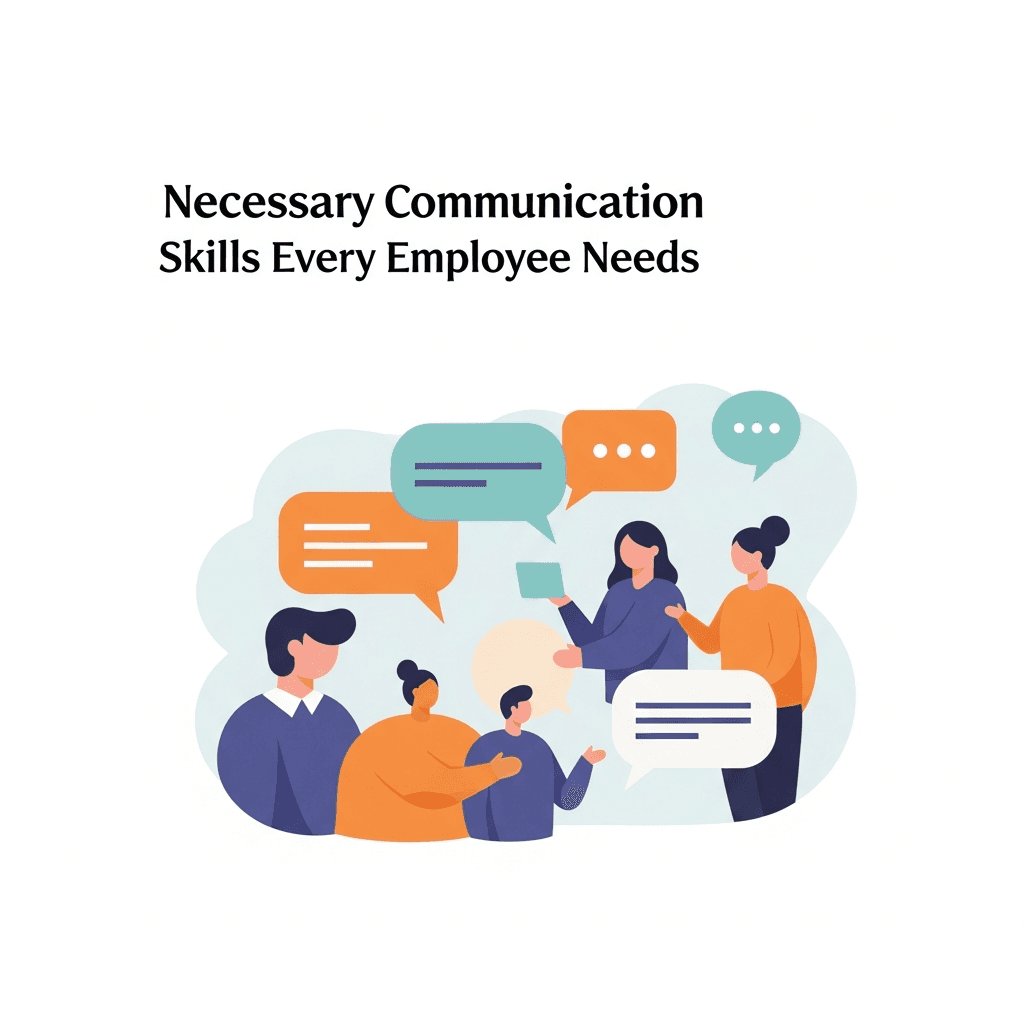
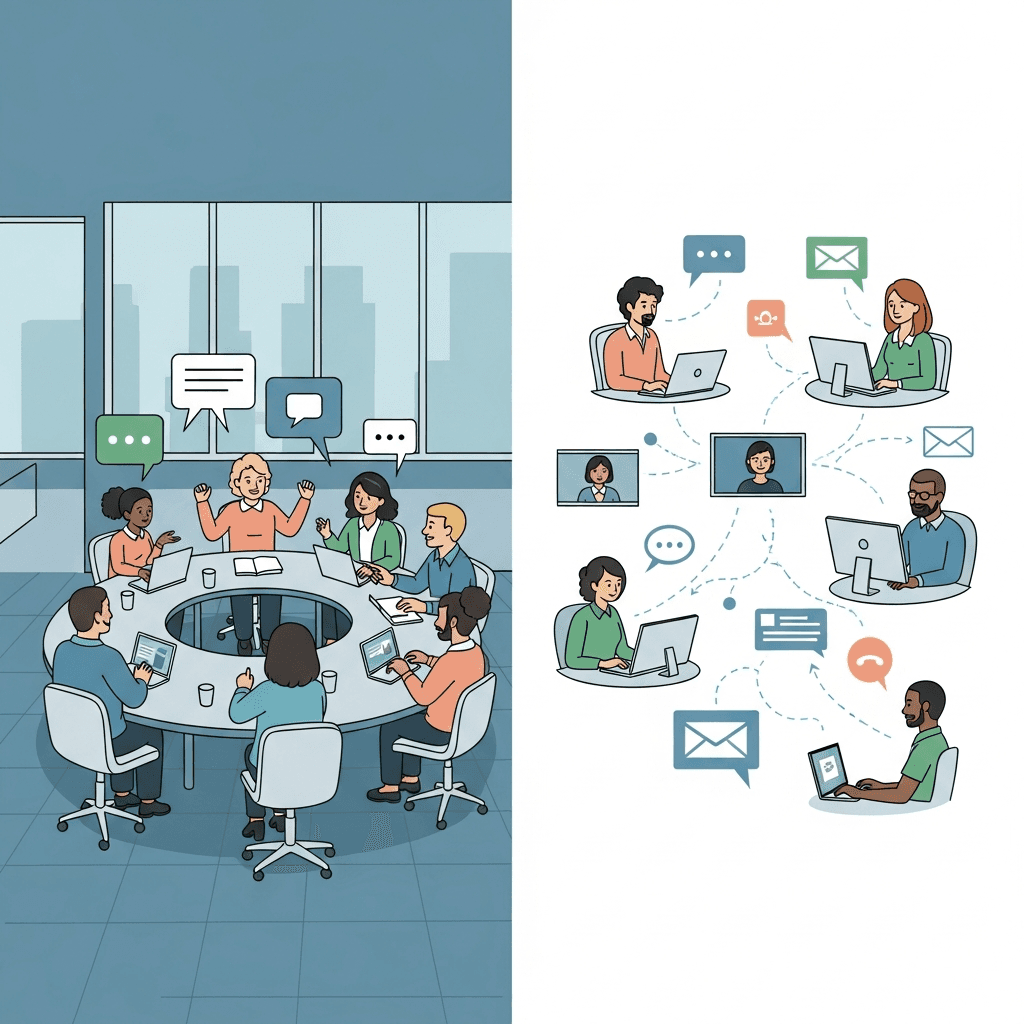
Necessary Communication Skills Every Employee Needs

Every workplace role requires learnable communication competencies that improve with training and practice.

image.png

Active Listening

Processing what others say, asking clarifying questions, and acknowledging understanding before responding prevents errors and builds stronger working relationships.

Clear Articulation

Organizing thoughts before speaking, choosing precise language, and checking for understanding saves time and reduces confusion when explaining processes, delegating tasks, or presenting findings.

Written Communication

Emails, documentation, and chat messages need to get to the point quickly, use appropriate tone, and anticipate reader questions to avoid misunderstood directives and endless clarification threads.

Constructive Feedback

Giving specific observations and actionable suggestions while remaining receptive to others' perspectives accelerates improvement without defensiveness or vagueness.

Building Active Listening Capabilities through Training

Active listening training builds observable behaviors through structured practice. Research shows that skilled listeners ask clarifying questions instead of simply staying silent.

Teaching Recognition over Response Preparation

Train employees to pause internal commentary while others speak. Exercises that require learners to summarize what they heard before responding force this mental shift and surface comprehension gaps immediately.

Practicing Clarifying Questions

Role-playing scenarios where employees must confirm details, probe for context, and surface unstated concerns builds this reflex into daily conversations. This approach tests understanding instead of relying on assumptions, reducing costly misunderstandings.

Building Nonverbal Engagement Habits

Eye contact, posture, and removing distractions signal attentiveness. Video-based training that shows contrasting examples helps teams recognize how physical presence affects information exchange during sensitive conversations or conflict resolution.

Short practice sessions in actual work contexts embed these habits more durably than single workshops.

Nonverbal Communication and Body Language Awareness

Research on emotional communication shows that nonverbal signals play an important role in how messages are interpreted, often shaping meaning beyond words alone. Crossed arms, furrowed brows, or monotone delivery shape how messages land regardless of words used.

Training employees to recognize these signals prevents misreading intent. A manager's tight jaw might signal stress, not disapproval. A colleague's lack of eye contact could reflect cultural norms instead of disengagement.

Practical Training Methods

This reveals unconscious habits like fidgeting or defensive postures that undermine messages.

Pair self-awareness exercises with interpretation practice. Show clips of workplace scenarios where teams decode the nonverbal layer, noting mismatches between spoken words and physical signals that indicate confusion, resistance, or enthusiasm.

Training for Effective Written and Digital Communication

Remote work makes written messages your primary communication channel. Unclear emails and vague chat messages create delays, duplicate work, and team friction.

Effective written communication training focuses on clarity. Every message needs a clear purpose stated upfront. Train employees to open emails with the specific request or decision needed first, then add supporting details. This prevents readers from scanning multiple paragraphs to find the actual question.

Tone gets lost in text. A sentence that feels neutral when writing it can read as abrupt or dismissive to the recipient. Adding brief context sentences reduces perceived abruptness without weakening urgency.

Chat tools need different skills than email. Teams should learn to:

  • Use threads to keep conversations organized and searchable

  • Acknowledge receipt quickly, even when a complete response takes longer

  • Move complex topics to video calls instead of creating sprawling message threads that confuse everyone

Documentation training teaches writers to anticipate questions. Have employees test their own instructions by asking someone unfamiliar with the task to follow them exactly as written. Missing steps and unclear language become obvious immediately.

Adapting Communication Training for Remote and Hybrid Teams

Remote and hybrid teams face communication challenges that traditional office training doesn't solve. Asynchronous work across time zones turns quick questions into extended email threads when employees can't get immediate answers.

Adapting Training for Virtual Settings

Video call fatigue affects how employees process information. Training should cover camera positioning, managing background distractions, and knowing when to disable video during extended sessions to reduce cognitive strain.

Asynchronous communication demands explicit context. Teams need training on documenting decisions immediately, recording meeting summaries for colleagues in other time zones, and providing detailed project status updates. What seems excessive in real-time becomes necessary when teams work hours apart.

Preventing Information Silos

Hybrid teams split between office and remote locations create knowledge gaps. Training must build habits like sharing informal conversations in shared channels and having remote participants speak first in meetings to prevent in-office discussions from taking over.

Communication Strategies for Frontline and Deskless Workers

Frontline workers face distinct communication barriers. Only 23% have the tech they need to be productive, and training portals fail employees without desk time or computer access.

SMS and WhatsApp delivery solves this access problem. Training messages arrive on personal devices during breaks or between shifts without requiring app downloads or portal logins. Short lessons fit into workflow pauses instead of demanding time away from floor operations.

Effective frontline communication training focuses on immediate job needs: safety protocols, equipment updates, procedure changes, and shift handoffs. Content must be scannable in under two minutes and uses spaced repetition instead of single long sessions.

Measuring Training Effectiveness and Communication ROI

Communication training requires data beyond completion rates to prove real impact. Track retention through follow-up assessments weeks after training ends. Quiz scores that remain stable show lasting knowledge, while drops signal where reinforcement is needed. Compare pre-training and post-training performance on tasks like email clarity, meeting length, or customer interactions.

Behavioral metrics reveal actual change. Monitor meeting duration, email response times, project revision cycles, and conflict escalation rates. Teams with strong communication see productivity gains up to 25%, making these functional changes direct ROI indicators.

Manager observations and peer feedback capture improvements that data alone misses.

Creating Feedback Loops and Continuous Communication Development

Communication skills develop through consistent practice and targeted feedback, not isolated training sessions. Repetition converts learned concepts into workplace habits.

Peer review systems generate real-time feedback loops. Employees can review each other's emails, presentation drafts, or meeting facilitation using specific rubrics. This builds self-awareness and normalizes constructive critique outside formal review cycles.

Manager coaching should reference specific communication moments instead of general advice. Pointing to actual situations ("Your project update buried the budget concern in paragraph three") creates clearer learning pathways than abstract guidance.

Spaced reinforcement through brief refreshers maintains skill retention. Weekly micro-lessons via SMS or messaging apps keep core concepts accessible, allowing employees to revisit techniques as situations arise and building competency through ongoing practice.

Implementing Organization-Wide Communication Training Programs

Executive support determines whether communication training succeeds or stalls. Leadership needs to connect training directly to business outcomes like faster onboarding, fewer project delays, or higher customer satisfaction scores.

Match your delivery method to how employees actually work. Desk workers can train through Teams or Slack, but frontline teams need SMS-based lessons that arrive on personal devices without requiring logins or app downloads.

Build training into existing workflows instead of scheduling separate sessions. Short lessons during shift changes, inside team channels, or during natural work breaks keep people learning without stopping their work.

Customize examples for each department while keeping the core framework consistent. Sales teams can practice handling objections, while operations teams focus on clearer shift handoffs. Different scenarios with shared principles work better than one-size-fits-all content.

How Teams Build Stronger Communication Skills with Arist

Arist Homepage.png

Communication skills improve through repetition, feedback, and real-world practice, not one-time workshops. Arist helps organizations turn communication training into an ongoing habit by delivering short, interactive lessons directly through SMS, WhatsApp, Teams, and Slack. Instead of pulling employees into separate portals or long sessions, Arist brings active listening drills, writing exercises, feedback frameworks, and quick knowledge checks into the same tools teams already use to communicate every day.

Organizations use Arist to train desk-based and frontline teams at the same time, reaching employees without computer access while maintaining consistent standards across roles. Built-in AI automates lesson creation, delivery, reinforcement, and measurement, making it easier for HR, L&D, and enablement teams to track real behavior change through metrics like meeting length, message clarity, and rework reduction. Trusted by companies including Microsoft, Pfizer, and Ford, Arist helps teams move from talking about better communication to practicing it daily, where alignment, productivity, and trust actually improve.

FAQs

What communication skills should frontline workers focus on?

Frontline teams benefit most from training on shift handoffs, safety protocol updates, equipment change notifications, and quick problem escalation. These skills need delivery through SMS or WhatsApp in under two minutes to fit between tasks without requiring computer access.

How can remote teams prevent information silos during hybrid work?

Train employees to document decisions immediately in shared channels, record meeting summaries for colleagues in different time zones, and have remote participants speak first in meetings. This prevents in-office conversations from excluding distributed team members.

What's the difference between active listening and just staying quiet?

Active listening requires asking clarifying questions, summarizing what you heard before responding, and confirming understanding instead of mentally preparing your reply. Training exercises that force learners to repeat back information before answering build this skill faster than passive observation.

Final thoughts on strengthening team communication capabilities

Strong training and communication doesn’t improve through awareness alone; it improves when teams practice it consistently inside their daily work. Employees already know communication matters, but progress comes from clear frameworks, regular reinforcement, and feedback applied in real situations. That’s why organizations pair skill-based training with delivery methods that show up where work actually happens. Solutions like Arist weave communication training into everyday tools, turning listening, writing, and feedback into habits instead of one-off lessons. When communication training becomes part of the workday, alignment improves, friction drops, and better collaboration becomes the standard instead of the exception.

Article

Training and Communication: 10 Proven Strategies for Workplace Success in December 2025

Your team probably spends more time clarifying what was already said than actually moving work forward. Emails get misread, feedback lands wrong, and meetings end without anyone truly aligned on next steps. This isn't because people aren't trying; it's because effective training and communication rarely happens in most workplaces. We treat it like everyone should just figure it out, but communication is a skill that improves with practice and structure. The cost of skipping this training shows up everywhere. Poor communication costs American businesses $1.2 trillion annually through project delays, rework, and turnover. But when organizations invest in teaching their teams how to listen, write clearly, and give constructive feedback, the results are visible: faster project completion, better team dynamics, and far less time wasted on misunderstandings.

TLDR:

  • Communication failures cost U.S. businesses $1.2 trillion annually through lost productivity and errors.

  • Active listening training reduces misunderstandings by teaching clarifying questions over response prep.

  • SMS-based training reaches frontline workers without app downloads, fitting lessons into shift breaks.

  • Track real ROI through meeting duration, email response times, and project revision cycles post-training.

  • Some modern tools deliver communication training via SMS, Teams, and Slack with 95%+ completion rates and 9× retention.

Understanding the Business Impact of Communication Training

Communication breakdowns cost more than awkward meetings. When employees can't communicate effectively, projects stall, errors multiply, and teams fragment. Research shows 86% of employees and executives cite poor collaboration or ineffective communication as a major contributor to workplace failures.

The financial impact is staggering. Miscommunication costs American businesses $1.2 trillion each year through lost productivity, project delays, employee turnover, and customer churn.

Organizations that invest in structured communication training see measurable returns. Teams resolve conflicts faster, reduce rework, and spend less time clarifying instructions. Sales cycles shorten when reps articulate value clearly. Onboarding accelerates when new hires understand expectations from day one.

The gap between high-performing and struggling teams often traces back to how well people exchange information. Clear communication training changes this from an assumed soft skill into a practiced competency that drives business outcomes.

Necessary Communication Skills Every Employee Needs

Every workplace role requires learnable communication competencies that improve with training and practice.

image.png

Active Listening

Processing what others say, asking clarifying questions, and acknowledging understanding before responding prevents errors and builds stronger working relationships.

Clear Articulation

Organizing thoughts before speaking, choosing precise language, and checking for understanding saves time and reduces confusion when explaining processes, delegating tasks, or presenting findings.

Written Communication

Emails, documentation, and chat messages need to get to the point quickly, use appropriate tone, and anticipate reader questions to avoid misunderstood directives and endless clarification threads.

Constructive Feedback

Giving specific observations and actionable suggestions while remaining receptive to others' perspectives accelerates improvement without defensiveness or vagueness.

Building Active Listening Capabilities through Training

Active listening training builds observable behaviors through structured practice. Research shows that skilled listeners ask clarifying questions instead of simply staying silent.

Teaching Recognition over Response Preparation

Train employees to pause internal commentary while others speak. Exercises that require learners to summarize what they heard before responding force this mental shift and surface comprehension gaps immediately.

Practicing Clarifying Questions

Role-playing scenarios where employees must confirm details, probe for context, and surface unstated concerns builds this reflex into daily conversations. This approach tests understanding instead of relying on assumptions, reducing costly misunderstandings.

Building Nonverbal Engagement Habits

Eye contact, posture, and removing distractions signal attentiveness. Video-based training that shows contrasting examples helps teams recognize how physical presence affects information exchange during sensitive conversations or conflict resolution.

Short practice sessions in actual work contexts embed these habits more durably than single workshops.

Nonverbal Communication and Body Language Awareness

Research on emotional communication shows that nonverbal signals play an important role in how messages are interpreted, often shaping meaning beyond words alone. Crossed arms, furrowed brows, or monotone delivery shape how messages land regardless of words used.

Training employees to recognize these signals prevents misreading intent. A manager's tight jaw might signal stress, not disapproval. A colleague's lack of eye contact could reflect cultural norms instead of disengagement.

Practical Training Methods

This reveals unconscious habits like fidgeting or defensive postures that undermine messages.

Pair self-awareness exercises with interpretation practice. Show clips of workplace scenarios where teams decode the nonverbal layer, noting mismatches between spoken words and physical signals that indicate confusion, resistance, or enthusiasm.

Training for Effective Written and Digital Communication

Remote work makes written messages your primary communication channel. Unclear emails and vague chat messages create delays, duplicate work, and team friction.

Effective written communication training focuses on clarity. Every message needs a clear purpose stated upfront. Train employees to open emails with the specific request or decision needed first, then add supporting details. This prevents readers from scanning multiple paragraphs to find the actual question.

Tone gets lost in text. A sentence that feels neutral when writing it can read as abrupt or dismissive to the recipient. Adding brief context sentences reduces perceived abruptness without weakening urgency.

Chat tools need different skills than email. Teams should learn to:

  • Use threads to keep conversations organized and searchable

  • Acknowledge receipt quickly, even when a complete response takes longer

  • Move complex topics to video calls instead of creating sprawling message threads that confuse everyone

Documentation training teaches writers to anticipate questions. Have employees test their own instructions by asking someone unfamiliar with the task to follow them exactly as written. Missing steps and unclear language become obvious immediately.

Adapting Communication Training for Remote and Hybrid Teams

Remote and hybrid teams face communication challenges that traditional office training doesn't solve. Asynchronous work across time zones turns quick questions into extended email threads when employees can't get immediate answers.

Adapting Training for Virtual Settings

Video call fatigue affects how employees process information. Training should cover camera positioning, managing background distractions, and knowing when to disable video during extended sessions to reduce cognitive strain.

Asynchronous communication demands explicit context. Teams need training on documenting decisions immediately, recording meeting summaries for colleagues in other time zones, and providing detailed project status updates. What seems excessive in real-time becomes necessary when teams work hours apart.

Preventing Information Silos

Hybrid teams split between office and remote locations create knowledge gaps. Training must build habits like sharing informal conversations in shared channels and having remote participants speak first in meetings to prevent in-office discussions from taking over.

Communication Strategies for Frontline and Deskless Workers

Frontline workers face distinct communication barriers. Only 23% have the tech they need to be productive, and training portals fail employees without desk time or computer access.

SMS and WhatsApp delivery solves this access problem. Training messages arrive on personal devices during breaks or between shifts without requiring app downloads or portal logins. Short lessons fit into workflow pauses instead of demanding time away from floor operations.

Effective frontline communication training focuses on immediate job needs: safety protocols, equipment updates, procedure changes, and shift handoffs. Content must be scannable in under two minutes and uses spaced repetition instead of single long sessions.

Measuring Training Effectiveness and Communication ROI

Communication training requires data beyond completion rates to prove real impact. Track retention through follow-up assessments weeks after training ends. Quiz scores that remain stable show lasting knowledge, while drops signal where reinforcement is needed. Compare pre-training and post-training performance on tasks like email clarity, meeting length, or customer interactions.

Behavioral metrics reveal actual change. Monitor meeting duration, email response times, project revision cycles, and conflict escalation rates. Teams with strong communication see productivity gains up to 25%, making these functional changes direct ROI indicators.

Manager observations and peer feedback capture improvements that data alone misses.

Creating Feedback Loops and Continuous Communication Development

Communication skills develop through consistent practice and targeted feedback, not isolated training sessions. Repetition converts learned concepts into workplace habits.

Peer review systems generate real-time feedback loops. Employees can review each other's emails, presentation drafts, or meeting facilitation using specific rubrics. This builds self-awareness and normalizes constructive critique outside formal review cycles.

Manager coaching should reference specific communication moments instead of general advice. Pointing to actual situations ("Your project update buried the budget concern in paragraph three") creates clearer learning pathways than abstract guidance.

Spaced reinforcement through brief refreshers maintains skill retention. Weekly micro-lessons via SMS or messaging apps keep core concepts accessible, allowing employees to revisit techniques as situations arise and building competency through ongoing practice.

Implementing Organization-Wide Communication Training Programs

Executive support determines whether communication training succeeds or stalls. Leadership needs to connect training directly to business outcomes like faster onboarding, fewer project delays, or higher customer satisfaction scores.

Match your delivery method to how employees actually work. Desk workers can train through Teams or Slack, but frontline teams need SMS-based lessons that arrive on personal devices without requiring logins or app downloads.

Build training into existing workflows instead of scheduling separate sessions. Short lessons during shift changes, inside team channels, or during natural work breaks keep people learning without stopping their work.

Customize examples for each department while keeping the core framework consistent. Sales teams can practice handling objections, while operations teams focus on clearer shift handoffs. Different scenarios with shared principles work better than one-size-fits-all content.

How Teams Build Stronger Communication Skills with Arist

Arist Homepage.png

Communication skills improve through repetition, feedback, and real-world practice, not one-time workshops. Arist helps organizations turn communication training into an ongoing habit by delivering short, interactive lessons directly through SMS, WhatsApp, Teams, and Slack. Instead of pulling employees into separate portals or long sessions, Arist brings active listening drills, writing exercises, feedback frameworks, and quick knowledge checks into the same tools teams already use to communicate every day.

Organizations use Arist to train desk-based and frontline teams at the same time, reaching employees without computer access while maintaining consistent standards across roles. Built-in AI automates lesson creation, delivery, reinforcement, and measurement, making it easier for HR, L&D, and enablement teams to track real behavior change through metrics like meeting length, message clarity, and rework reduction. Trusted by companies including Microsoft, Pfizer, and Ford, Arist helps teams move from talking about better communication to practicing it daily, where alignment, productivity, and trust actually improve.

FAQs

What communication skills should frontline workers focus on?

Frontline teams benefit most from training on shift handoffs, safety protocol updates, equipment change notifications, and quick problem escalation. These skills need delivery through SMS or WhatsApp in under two minutes to fit between tasks without requiring computer access.

How can remote teams prevent information silos during hybrid work?

Train employees to document decisions immediately in shared channels, record meeting summaries for colleagues in different time zones, and have remote participants speak first in meetings. This prevents in-office conversations from excluding distributed team members.

What's the difference between active listening and just staying quiet?

Active listening requires asking clarifying questions, summarizing what you heard before responding, and confirming understanding instead of mentally preparing your reply. Training exercises that force learners to repeat back information before answering build this skill faster than passive observation.

Final thoughts on strengthening team communication capabilities

Strong training and communication doesn’t improve through awareness alone; it improves when teams practice it consistently inside their daily work. Employees already know communication matters, but progress comes from clear frameworks, regular reinforcement, and feedback applied in real situations. That’s why organizations pair skill-based training with delivery methods that show up where work actually happens. Solutions like Arist weave communication training into everyday tools, turning listening, writing, and feedback into habits instead of one-off lessons. When communication training becomes part of the workday, alignment improves, friction drops, and better collaboration becomes the standard instead of the exception.

Article

Best AI Training Courses and Certificates (December 2025)

AI training is no longer limited to engineers and data scientists. Sales teams, HR managers, and frontline workers now need practical AI literacy to stay effective at work. The real problem is not access to courses; it’s finishing them. Learners quit traditional online programs before completion because they demand long, uninterrupted time blocks that don’t fit real jobs. The courses people actually complete deliver short lessons inside tools they already check every day, paired with recognized certificates from companies like Google, IBM, or Microsoft. That’s why many teams now rely on AI training courses that fits into the workday, because a finished credential from a credible source has more career value than an abandoned course with a big name.

TLDR:

  • Free AI courses from Google, IBM, and Microsoft offer certificates in under 5 hours.

  • Traditional online courses see 12.6% completion rates vs. 95% for SMS-based training.

  • Prompt engineering skills transfer across modern AI tools and improve output quality.

  • Some modern tools deliver AI training through SMS, Teams, and Slack with 95%+ completion rates.

  • AI training that fits into daily workflows leads to higher retention and real on-the-job application.

Why AI Training Matters in 2025

AI adoption is moving fast. 75% of companies now use AI, but only 35% of workers got AI training last year. This gap matters for staying competitive.
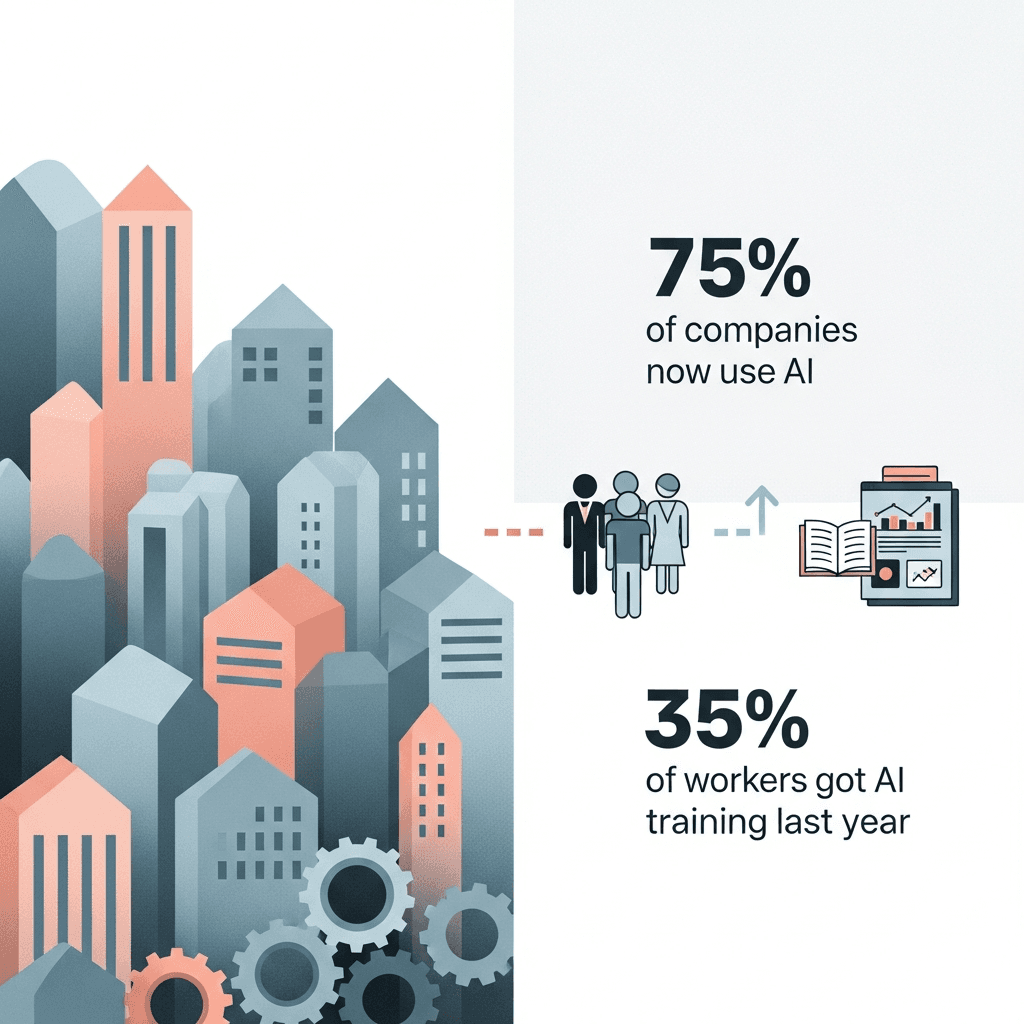
Skills requirements in AI-related roles are changing 66% faster than other jobs. Workers who don't upskill risk getting left behind as tasks automate and AI-assisted roles grow.

For individuals, this creates opportunity. AI skills are increasingly associated with higher pay and stronger career outcomes across many roles, especially where AI tools are part of day-to-day work. Understanding how to work with AI tools directly affects your career growth and income.

Google AI Essentials

Google AI Essentials is a self-paced certificate program for beginners. You can complete it in under 5 hours with no prior experience.

The course covers AI fundamentals, productivity applications, prompt engineering, and responsible AI practices. Google offers it through Coursera, and the certificate comes from one of the leading AI developers in the industry.

Free AI Training Courses with Certificates

Several providers offer free AI courses with verifiable certificates from organizations building AI systems.
Google launched over 3,000 free AI courses through Google Skills, accessible with 35 free credits monthly via their Innovators program. IBM offers AI Fundamentals through Coursera with a shareable certificate. Microsoft provides Azure AI Fundamentals (AI-900) training materials free, though the exam costs separately.

DeepLearning.AI partnerships with Coursera include beginner courses on generative AI and prompt engineering. LinkedIn Learning offers free trials with certificates for courses on AI productivity and ChatGPT basics.

Understanding Course Completion Rates and Engagement

The average online course completion rate is 12.6%. Incomplete courses deliver no certificate and limited skill development, since the most valuable concepts and practical applications appear in final modules.

Delivery method affects completion rates. Self-paced video courses see the lowest rates. Live cohorts with deadlines perform better.

Course length matters. Shorter formats with clear milestones maintain momentum. Courses delivered in tools like Teams or Slack remove friction compared to separate learning portals. Regular check-ins, progress tracking, and spaced repetition increase completion and retention of AI concepts.

AI Training for Business Teams

Enterprise AI training needs to work across different locations, roles, and skill levels while tracking both completion and competency.

Consider delivery method based on your workforce. Desk workers can use LMS-based video courses. Frontline staff in manufacturing, retail, or field sales need training through SMS, WhatsApp, or Teams where they already communicate. Look for programs that connect with your HRIS and collaboration tools.

Deployment speed matters when AI capabilities change quickly. Courses requiring weeks of customization slow adoption. Look for role-based personalization, automated reinforcement, and analytics tied to business outcomes beyond completion rates.

Training that only reaches corporate employees creates skill gaps and limits AI tool adoption across your organization. Choose delivery formats that work for all employee segments without requiring app downloads or separate logins.

Beginner AI Courses

Beginner AI courses require no programming experience or technical background. You can start learning immediately, regardless of your role or education.

These courses focus on AI literacy instead of technical development. You'll learn how AI systems make decisions, where they work well, and where they don't. This helps you assess AI tools and apply them in your work.

Core topics include prompt engineering, productivity applications, and ethics. You'll practice writing clear prompts, automating repetitive tasks, and spotting bias or hallucination risks.

After completing a beginner course, you'll know how to use AI assistants, communicate with AI tools, and identify opportunities for AI in your daily work. Deeper technical skills require intermediate courses.

Certification Value and Career Impact

Employers treat AI certificates as proof you've learned relevant skills. Certificates from Google, IBM, or Microsoft carry more weight than unknown providers because these companies build the AI systems workplaces use.

Certificates differ from professional certifications. Certificates confirm course completion and basic competency. Certifications require exams, ongoing education, and formal accreditation.

Adding certificates to your resume and LinkedIn profile signals you understand AI fundamentals. This matters when employers filter candidates by keywords related to AI literacy or prompt engineering.

Certificates work best as supporting evidence alongside experience. Pair them with examples showing how you've applied AI in actual projects.

SMS and Mobile-First Training Delivery

Traditional LMS systems require desktop access that frontline workers often lack. SMS and mobile-first delivery meet employees where they already work and communicate.

Chat-based training through SMS, WhatsApp, Teams, or Slack removes app downloads and login barriers. Workers receive lessons directly in their messaging apps during breaks or between shifts.

This approach works well for retail staff, field sales teams, manufacturing workers, and distributed teams without regular computer access. Training fits into existing workflows instead of requiring separate login time.

Arist delivers microlearning through these channels with completion rates above 95%, compared to typical LMS engagement under 30%. The difference comes from meeting learners in tools they already use daily.

Prompt Engineering Skills

Prompt engineering is writing clear instructions to get useful responses from AI tools. The skill determines whether you get generic outputs or targeted results from ChatGPT, Claude, or workplace AI systems.

Good prompts include context, specify format, and set constraints. Instead of asking "write a sales email," effective prompts define audience, tone, key points, and length.

Courses teaching prompt engineering cover iterative refinement techniques. You'll learn how to analyze weak outputs, adjust your instructions, and chain prompts together for complex tasks.

AI Ethics and Responsible Use

AI systems can perpetuate biases present in their training data, producing outputs that reflect gender, racial, or cultural stereotypes. These biases affect hiring decisions, customer interactions, and resource allocation. Recognizing these limitations helps prevent harmful applications.

Responsible AI training teaches you to identify hallucinations (when AI generates false information), protect sensitive data, and maintain transparency about AI-assisted decisions. Always verify AI outputs before taking action, particularly in controlled industries like healthcare, finance, or legal services.

Privacy matters when using AI tools. Consider what information you share and how systems store or process your inputs. Avoid entering confidential business data, personally identifiable information, or proprietary details into public AI assistants.

Human oversight stays critical. AI should support your decisions, not replace human judgment in high-stakes situations involving people or compliance requirements.

Microlearning and Bite-Sized AI Training

Microlearning divides AI concepts into five-minute lessons you can complete between meetings or during breaks. Each segment focuses on one skill or concept, reducing cognitive overload compared to hour-long video modules.

This format produces better retention because you practice immediately after learning. Traditional courses delay application until you finish entire sections, weakening memory and skill transfer.

For working professionals, microlearning removes scheduling barriers. Lessons arrive through messaging tools, fitting naturally into your existing workflow and communication patterns.

Choosing the Right AI Course for Your Goals

Start with your goal. Need AI literacy for work? Look for courses on practical applications and prompt engineering. Building AI systems? Choose programming-focused courses on machine learning fundamentals.

Match time investment to your schedule. Five-hour certificates work for quick upskilling. Deeper knowledge needs 20-40 hour programs with projects.

Check prerequisites. Beginner courses assume no technical background. Intermediate programs expect Python or statistics knowledge.

Choose courses with hands-on practice over video lectures. You should build prompts, analyze outputs, and apply concepts to real scenarios. Certificates from Google, Microsoft, or IBM carry more weight than unknown providers.

Skip courses promising job outcomes or AI mastery in unrealistic timeframes. Quality programs set clear expectations about what you'll learn and acknowledge AI's limitations.

How Teams Turn AI Literacy into Real Skills with Arist
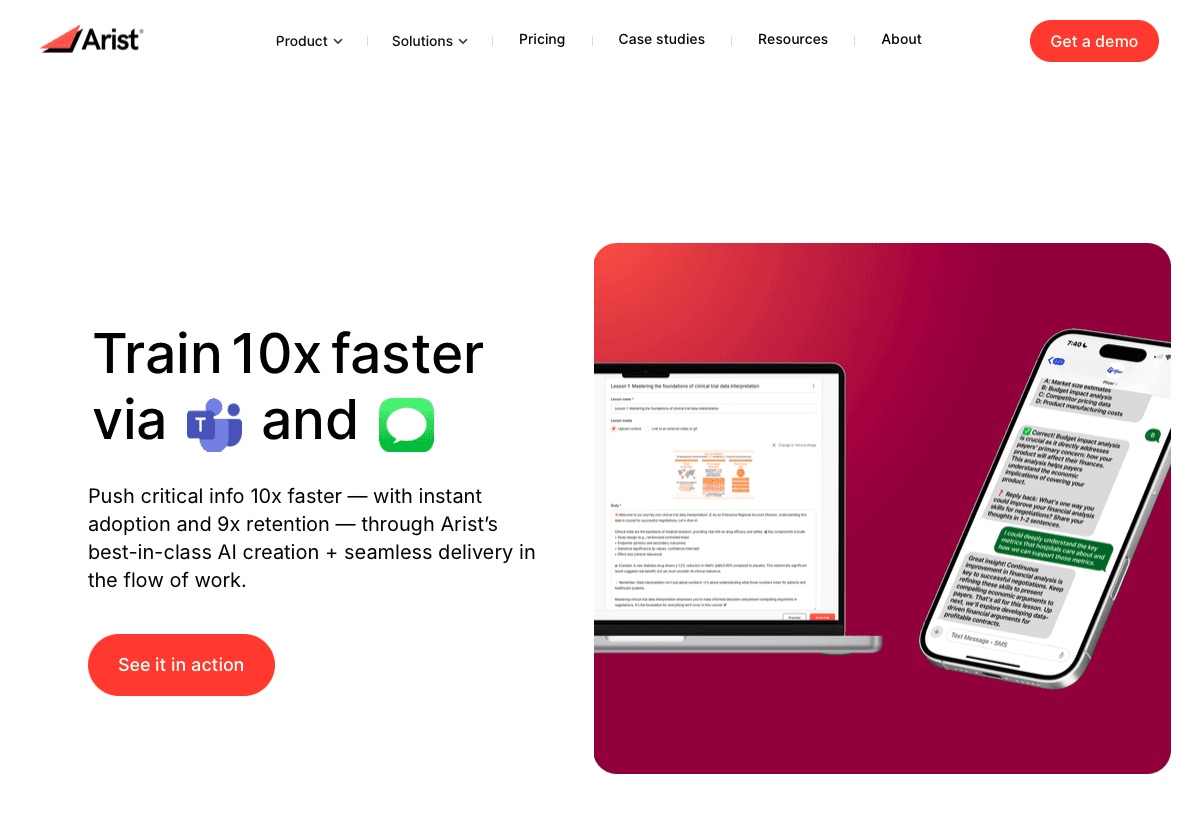
Arist Homepage.png

Learning AI concepts is easy; getting an entire workforce to complete training and use those skills at work is the hard part. Arist helps organizations close that gap by delivering AI training as short, chat-based lessons through SMS, WhatsApp, Teams, and Slack, so employees learn inside the tools they already use every day. Instead of long videos and separate portals, Arist sends five-minute lessons, practice prompts, and knowledge checks that fit naturally into the workday, driving completion rates above 95% across desk and frontline teams.

Enterprises use Arist to roll out AI literacy, prompt engineering, compliance, onboarding, and sales training across global, controlled, and distributed workforces without slowing teams down. Built-in AI automates needs analysis, course creation, delivery, reinforcement, and reporting, giving HR, L&D, and enablement teams a faster way to build skills at scale. Trusted by companies like Microsoft, Pfizer, and Ford, Arist turns AI training from a one-time course into a habit that sticks. For organizations that want AI skills to move beyond certificates and into daily work, Arist offers a practical path forward.

FAQs

What's the difference between AI certificates and professional certifications?

Certificates confirm course completion and basic competency, while professional certifications require formal exams, ongoing education, and accreditation.

Can frontline workers without computer access take AI training?

Yes, SMS and mobile-first delivery through WhatsApp, Teams, or Slack works for retail staff, field sales teams, and manufacturing workers who don't have regular desktop access.

What should I look for when choosing an AI course for my career?

Match the course to your goal, pick practical applications and prompt engineering for workplace AI literacy, or programming-focused courses for building AI systems, and focus on hands-on practice over video lectures with certificates from recognized providers like Google, Microsoft, or IBM.

Final thoughts on building AI literacy

The AI skills gap is real, but closing it does not require a technical background or weeks of study. Free courses from Google, Microsoft, and IBM make it easy to learn the basics, yet real progress only happens when people finish what they start and apply it on the job. That’s where Arist fits in, providing AI training courses that turns AI literacy into short, practical lessons delivered inside the tools teams already use, so learning actually happens during the workday. When AI training shows up consistently and leads to a completed certificate and real usage, it compounds over time. Teams that want AI skills to stick use a modern training approach like Arist, because career growth and business impact come from daily practice with AI, not abstract knowledge about how the technology works.

Article

Best AI Training Courses and Certificates (December 2025)

AI training is no longer limited to engineers and data scientists. Sales teams, HR managers, and frontline workers now need practical AI literacy to stay effective at work. The real problem is not access to courses; it’s finishing them. Learners quit traditional online programs before completion because they demand long, uninterrupted time blocks that don’t fit real jobs. The courses people actually complete deliver short lessons inside tools they already check every day, paired with recognized certificates from companies like Google, IBM, or Microsoft. That’s why many teams now rely on AI training courses that fits into the workday, because a finished credential from a credible source has more career value than an abandoned course with a big name.

TLDR:

  • Free AI courses from Google, IBM, and Microsoft offer certificates in under 5 hours.

  • Traditional online courses see 12.6% completion rates vs. 95% for SMS-based training.

  • Prompt engineering skills transfer across modern AI tools and improve output quality.

  • Some modern tools deliver AI training through SMS, Teams, and Slack with 95%+ completion rates.

  • AI training that fits into daily workflows leads to higher retention and real on-the-job application.

Why AI Training Matters in 2025

AI adoption is moving fast. 75% of companies now use AI, but only 35% of workers got AI training last year. This gap matters for staying competitive.

Skills requirements in AI-related roles are changing 66% faster than other jobs. Workers who don't upskill risk getting left behind as tasks automate and AI-assisted roles grow.

For individuals, this creates opportunity. AI skills are increasingly associated with higher pay and stronger career outcomes across many roles, especially where AI tools are part of day-to-day work. Understanding how to work with AI tools directly affects your career growth and income.

Google AI Essentials

Google AI Essentials is a self-paced certificate program for beginners. You can complete it in under 5 hours with no prior experience.

The course covers AI fundamentals, productivity applications, prompt engineering, and responsible AI practices. Google offers it through Coursera, and the certificate comes from one of the leading AI developers in the industry.

Free AI Training Courses with Certificates

Several providers offer free AI courses with verifiable certificates from organizations building AI systems.

Google launched over 3,000 free AI courses through Google Skills, accessible with 35 free credits monthly via their Innovators program. IBM offers AI Fundamentals through Coursera with a shareable certificate. Microsoft provides Azure AI Fundamentals (AI-900) training materials free, though the exam costs separately.

DeepLearning.AI partnerships with Coursera include beginner courses on generative AI and prompt engineering. LinkedIn Learning offers free trials with certificates for courses on AI productivity and ChatGPT basics.

Understanding Course Completion Rates and Engagement

The average online course completion rate is 12.6%. Incomplete courses deliver no certificate and limited skill development, since the most valuable concepts and practical applications appear in final modules.

Delivery method affects completion rates. Self-paced video courses see the lowest rates. Live cohorts with deadlines perform better.

Course length matters. Shorter formats with clear milestones maintain momentum. Courses delivered in tools like Teams or Slack remove friction compared to separate learning portals. Regular check-ins, progress tracking, and spaced repetition increase completion and retention of AI concepts.

AI Training for Business Teams

Enterprise AI training needs to work across different locations, roles, and skill levels while tracking both completion and competency.

Consider delivery method based on your workforce. Desk workers can use LMS-based video courses. Frontline staff in manufacturing, retail, or field sales need training through SMS, WhatsApp, or Teams where they already communicate. Look for programs that connect with your HRIS and collaboration tools.

Deployment speed matters when AI capabilities change quickly. Courses requiring weeks of customization slow adoption. Look for role-based personalization, automated reinforcement, and analytics tied to business outcomes beyond completion rates.

Training that only reaches corporate employees creates skill gaps and limits AI tool adoption across your organization. Choose delivery formats that work for all employee segments without requiring app downloads or separate logins.

Beginner AI Courses

Beginner AI courses require no programming experience or technical background. You can start learning immediately, regardless of your role or education.

These courses focus on AI literacy instead of technical development. You'll learn how AI systems make decisions, where they work well, and where they don't. This helps you assess AI tools and apply them in your work.

Core topics include prompt engineering, productivity applications, and ethics. You'll practice writing clear prompts, automating repetitive tasks, and spotting bias or hallucination risks.

After completing a beginner course, you'll know how to use AI assistants, communicate with AI tools, and identify opportunities for AI in your daily work. Deeper technical skills require intermediate courses.

Certification Value and Career Impact

Employers treat AI certificates as proof you've learned relevant skills. Certificates from Google, IBM, or Microsoft carry more weight than unknown providers because these companies build the AI systems workplaces use.

Certificates differ from professional certifications. Certificates confirm course completion and basic competency. Certifications require exams, ongoing education, and formal accreditation.

Adding certificates to your resume and LinkedIn profile signals you understand AI fundamentals. This matters when employers filter candidates by keywords related to AI literacy or prompt engineering.

Certificates work best as supporting evidence alongside experience. Pair them with examples showing how you've applied AI in actual projects.

SMS and Mobile-First Training Delivery

Traditional LMS systems require desktop access that frontline workers often lack. SMS and mobile-first delivery meet employees where they already work and communicate.

Chat-based training through SMS, WhatsApp, Teams, or Slack removes app downloads and login barriers. Workers receive lessons directly in their messaging apps during breaks or between shifts.

This approach works well for retail staff, field sales teams, manufacturing workers, and distributed teams without regular computer access. Training fits into existing workflows instead of requiring separate login time.

Arist delivers microlearning through these channels with completion rates above 95%, compared to typical LMS engagement under 30%. The difference comes from meeting learners in tools they already use daily.

Prompt Engineering Skills

Prompt engineering is writing clear instructions to get useful responses from AI tools. The skill determines whether you get generic outputs or targeted results from ChatGPT, Claude, or workplace AI systems.

Good prompts include context, specify format, and set constraints. Instead of asking "write a sales email," effective prompts define audience, tone, key points, and length.

Courses teaching prompt engineering cover iterative refinement techniques. You'll learn how to analyze weak outputs, adjust your instructions, and chain prompts together for complex tasks.

AI Ethics and Responsible Use

AI systems can perpetuate biases present in their training data, producing outputs that reflect gender, racial, or cultural stereotypes. These biases affect hiring decisions, customer interactions, and resource allocation. Recognizing these limitations helps prevent harmful applications.

Responsible AI training teaches you to identify hallucinations (when AI generates false information), protect sensitive data, and maintain transparency about AI-assisted decisions. Always verify AI outputs before taking action, particularly in controlled industries like healthcare, finance, or legal services.

Privacy matters when using AI tools. Consider what information you share and how systems store or process your inputs. Avoid entering confidential business data, personally identifiable information, or proprietary details into public AI assistants.

Human oversight stays critical. AI should support your decisions, not replace human judgment in high-stakes situations involving people or compliance requirements.

Microlearning and Bite-Sized AI Training

Microlearning divides AI concepts into five-minute lessons you can complete between meetings or during breaks. Each segment focuses on one skill or concept, reducing cognitive overload compared to hour-long video modules.

This format produces better retention because you practice immediately after learning. Traditional courses delay application until you finish entire sections, weakening memory and skill transfer.

For working professionals, microlearning removes scheduling barriers. Lessons arrive through messaging tools, fitting naturally into your existing workflow and communication patterns.

Choosing the Right AI Course for Your Goals

Start with your goal. Need AI literacy for work? Look for courses on practical applications and prompt engineering. Building AI systems? Choose programming-focused courses on machine learning fundamentals.

Match time investment to your schedule. Five-hour certificates work for quick upskilling. Deeper knowledge needs 20-40 hour programs with projects.

Check prerequisites. Beginner courses assume no technical background. Intermediate programs expect Python or statistics knowledge.

Choose courses with hands-on practice over video lectures. You should build prompts, analyze outputs, and apply concepts to real scenarios. Certificates from Google, Microsoft, or IBM carry more weight than unknown providers.

Skip courses promising job outcomes or AI mastery in unrealistic timeframes. Quality programs set clear expectations about what you'll learn and acknowledge AI's limitations.

How Teams Turn AI Literacy into Real Skills with Arist

Arist Homepage.png

Learning AI concepts is easy; getting an entire workforce to complete training and use those skills at work is the hard part. Arist helps organizations close that gap by delivering AI training as short, chat-based lessons through SMS, WhatsApp, Teams, and Slack, so employees learn inside the tools they already use every day. Instead of long videos and separate portals, Arist sends five-minute lessons, practice prompts, and knowledge checks that fit naturally into the workday, driving completion rates above 95% across desk and frontline teams.

Enterprises use Arist to roll out AI literacy, prompt engineering, compliance, onboarding, and sales training across global, controlled, and distributed workforces without slowing teams down. Built-in AI automates needs analysis, course creation, delivery, reinforcement, and reporting, giving HR, L&D, and enablement teams a faster way to build skills at scale. Trusted by companies like Microsoft, Pfizer, and Ford, Arist turns AI training from a one-time course into a habit that sticks. For organizations that want AI skills to move beyond certificates and into daily work, Arist offers a practical path forward.

FAQs

What's the difference between AI certificates and professional certifications?

Certificates confirm course completion and basic competency, while professional certifications require formal exams, ongoing education, and accreditation.

Can frontline workers without computer access take AI training?

Yes, SMS and mobile-first delivery through WhatsApp, Teams, or Slack works for retail staff, field sales teams, and manufacturing workers who don't have regular desktop access.

What should I look for when choosing an AI course for my career?

Match the course to your goal, pick practical applications and prompt engineering for workplace AI literacy, or programming-focused courses for building AI systems, and focus on hands-on practice over video lectures with certificates from recognized providers like Google, Microsoft, or IBM.

Final thoughts on building AI literacy

The AI skills gap is real, but closing it does not require a technical background or weeks of study. Free courses from Google, Microsoft, and IBM make it easy to learn the basics, yet real progress only happens when people finish what they start and apply it on the job. That’s where Arist fits in, providing AI training courses that turns AI literacy into short, practical lessons delivered inside the tools teams already use, so learning actually happens during the workday. When AI training shows up consistently and leads to a completed certificate and real usage, it compounds over time. Teams that want AI skills to stick use a modern training approach like Arist, because career growth and business impact come from daily practice with AI, not abstract knowledge about how the technology works.

An enablement team in your pocket.

(617) 468-7900

support@arist.co

2261 Market Street #4320
San Francisco, CA 94114

Subscribe to Arist Bites, our newsletter on the future of enablement and L&D:

Built and designed by Arist team members in the United States and New Zealand.


Copyright 2026, All Rights Reserved.